From recording a lesson to finding the right advice on match day.
You already know what your coach said. You just cannot find it three weeks later. CourtNotes transcribes each lesson on your device, breaks it into the moments that actually matter, and makes them searchable by stroke, topic, or opponent type for the day it counts.
From recording a lesson to finding the right advice on match day.
CourtNotes fixes that with on-device AI. Press record at the start of your lesson, put your phone in your bag, and play. Afterward, CourtNotes transcribes the session and uses AI to pull out the specific things your coach told you, in their words, not generic tips, then organizes them into searchable notes you can actually find again. And it gets smarter the more you use it: the AI recognizes the themes your coach keeps returning to and connects related advice across every lesson.
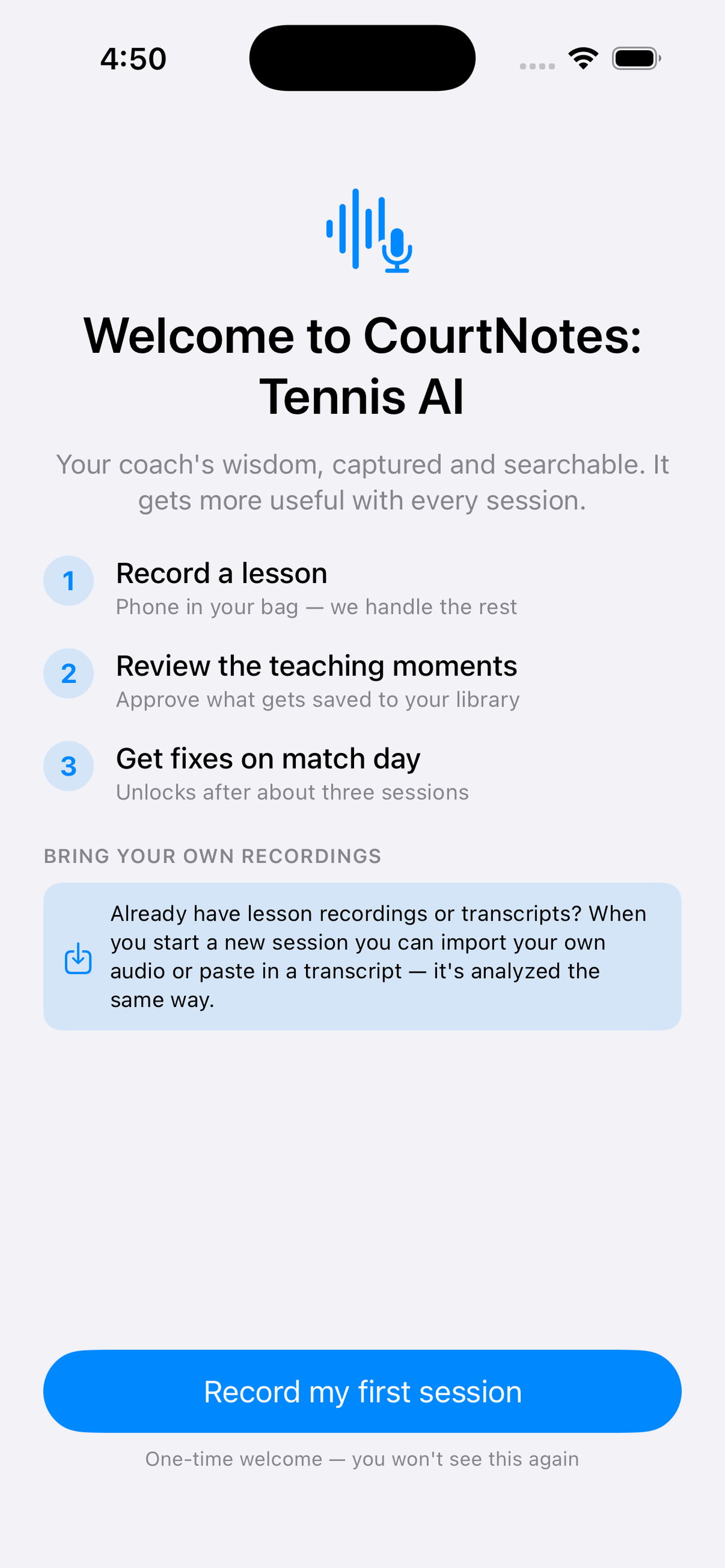
Record on your phone, or import audio or a transcript you already have.
Review the teaching moments CourtNotes finds, and keep the ones that matter.
Pull up the right advice in seconds when it counts.
Your phone in your bag is enough to get started, and that is how most lessons are recorded. A tennis court is a big space, though. Between ball impact, wind, and a coach who moves around, some of what gets said can be lost before it reaches the phone.
If you want the cleanest transcripts, pair a wireless clip-on microphone with your phone. Clip the mic to whoever is doing the talking, leave the phone in your bag, and record exactly as you normally would. Both Bluetooth microphones and microphones with a small receiver that plugs into your phone work. Recording keeps going when your screen locks, so the whole lesson is captured.
Better audio means a better transcript, and a better transcript means the analysis has more to work with. If you clip the mic to your coach rather than to yourself, ask them first.
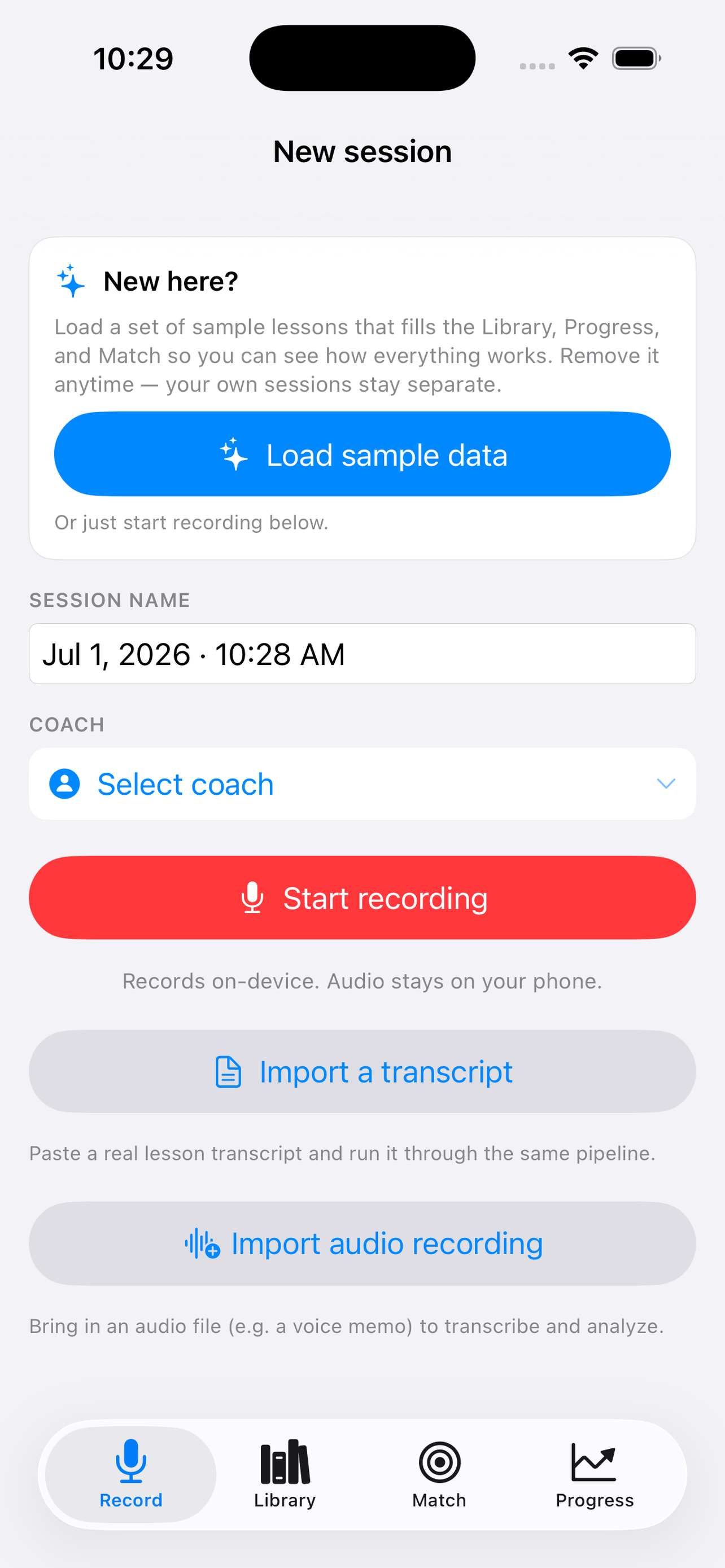
Record lessons on your phone, or import a voice memo or written transcript.
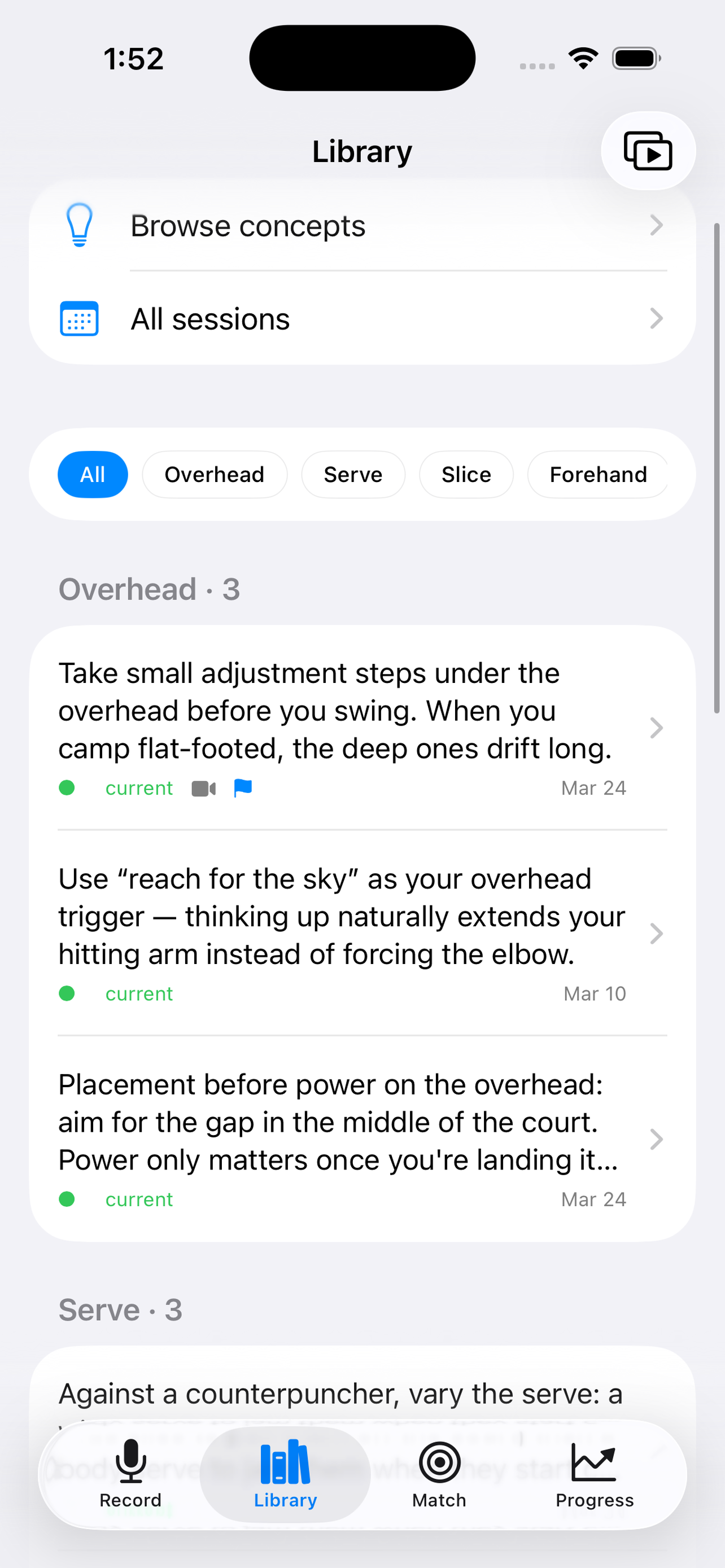
Get each session transcribed and broken into clear teaching moments, tagged by stroke and topic.
Watch a live audio meter while recording, so you always know it's still capturing.
Tap any note to jump straight to that moment in the audio.
Scrub through any recording, or skip back and forward 15 seconds.
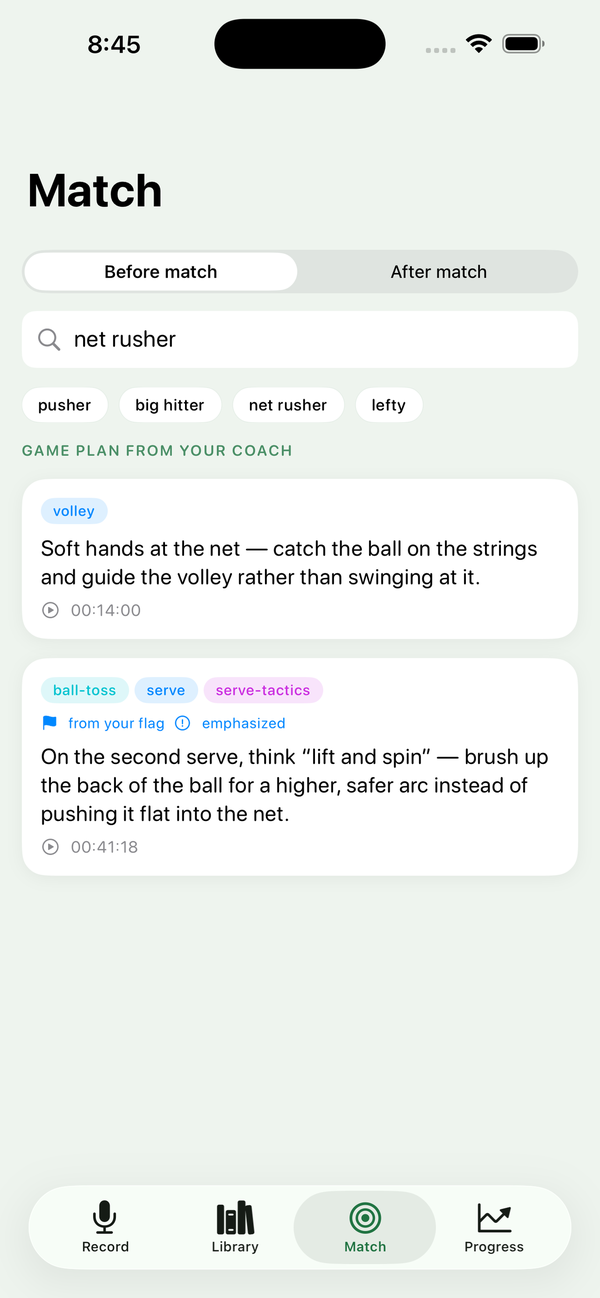
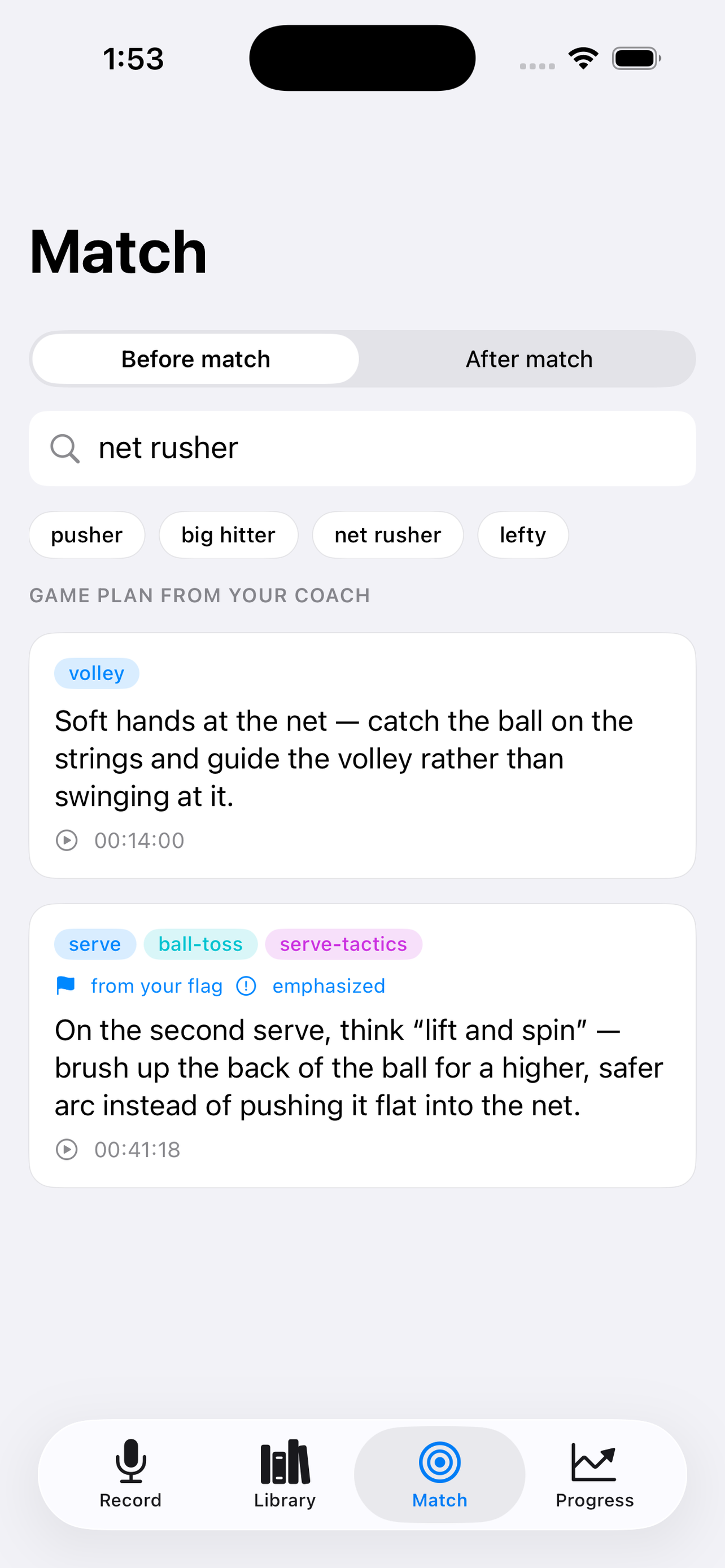
Search everything your coach has told you, by stroke, topic, or opponent type.
Build a "before match" game plan and replay exactly what your coach said.
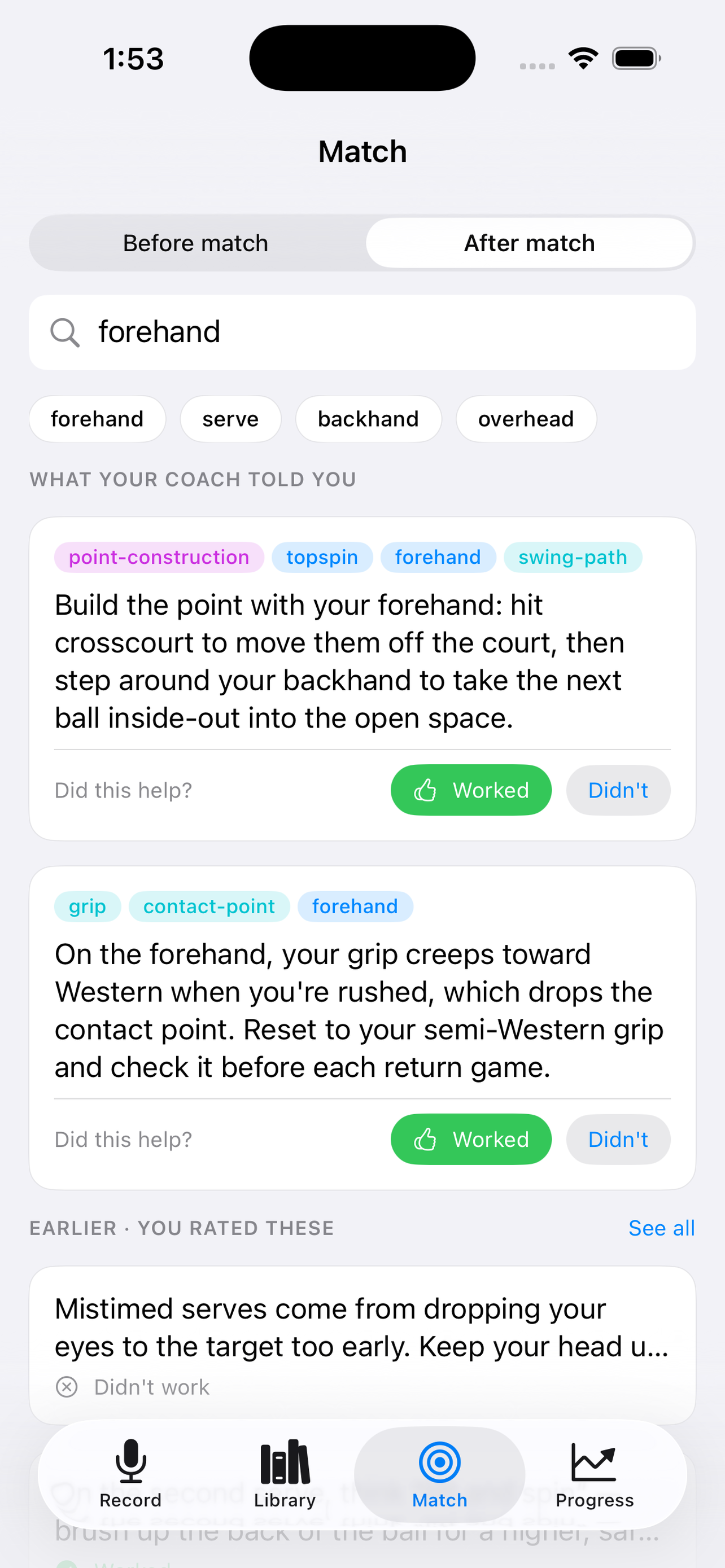
After a match, mark what worked and what didn't, so the best advice rises to the top.
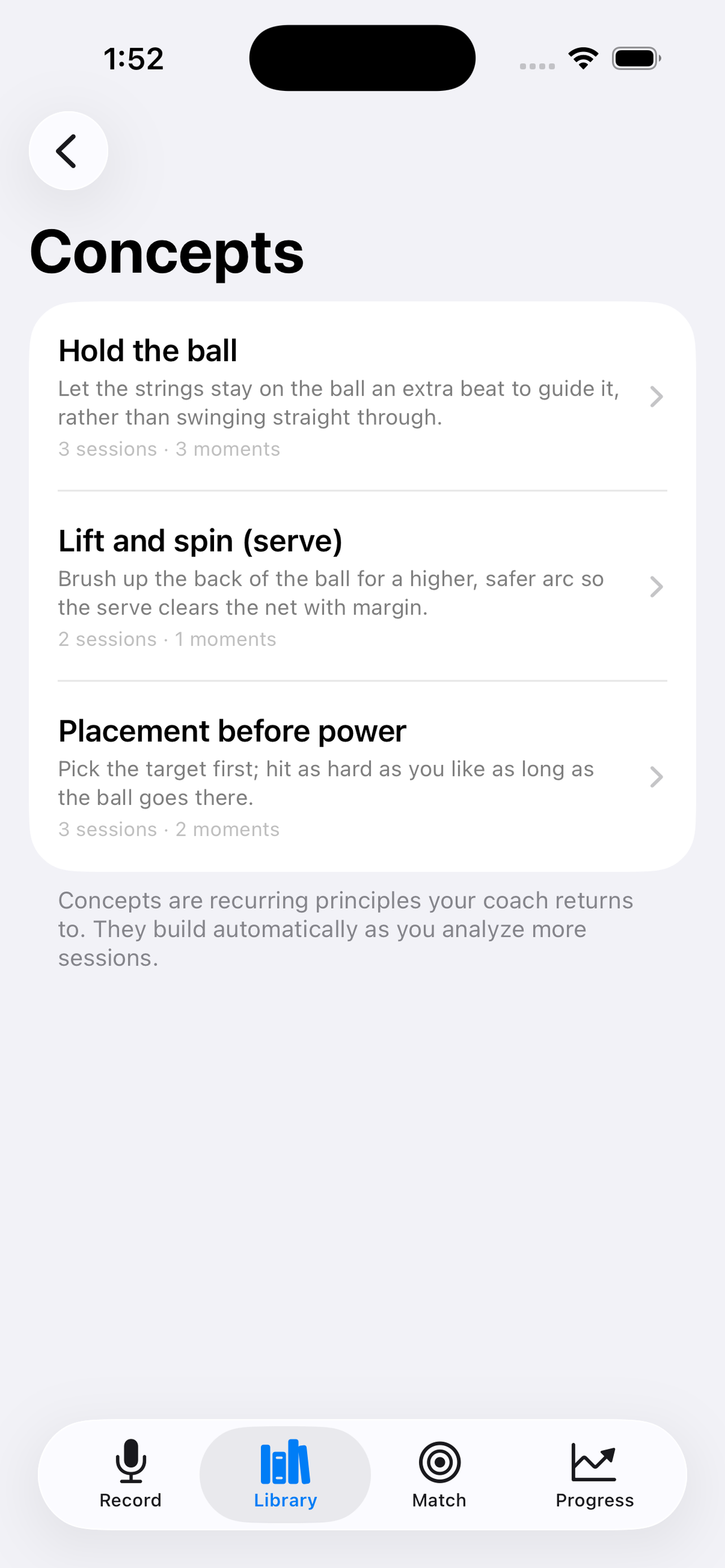
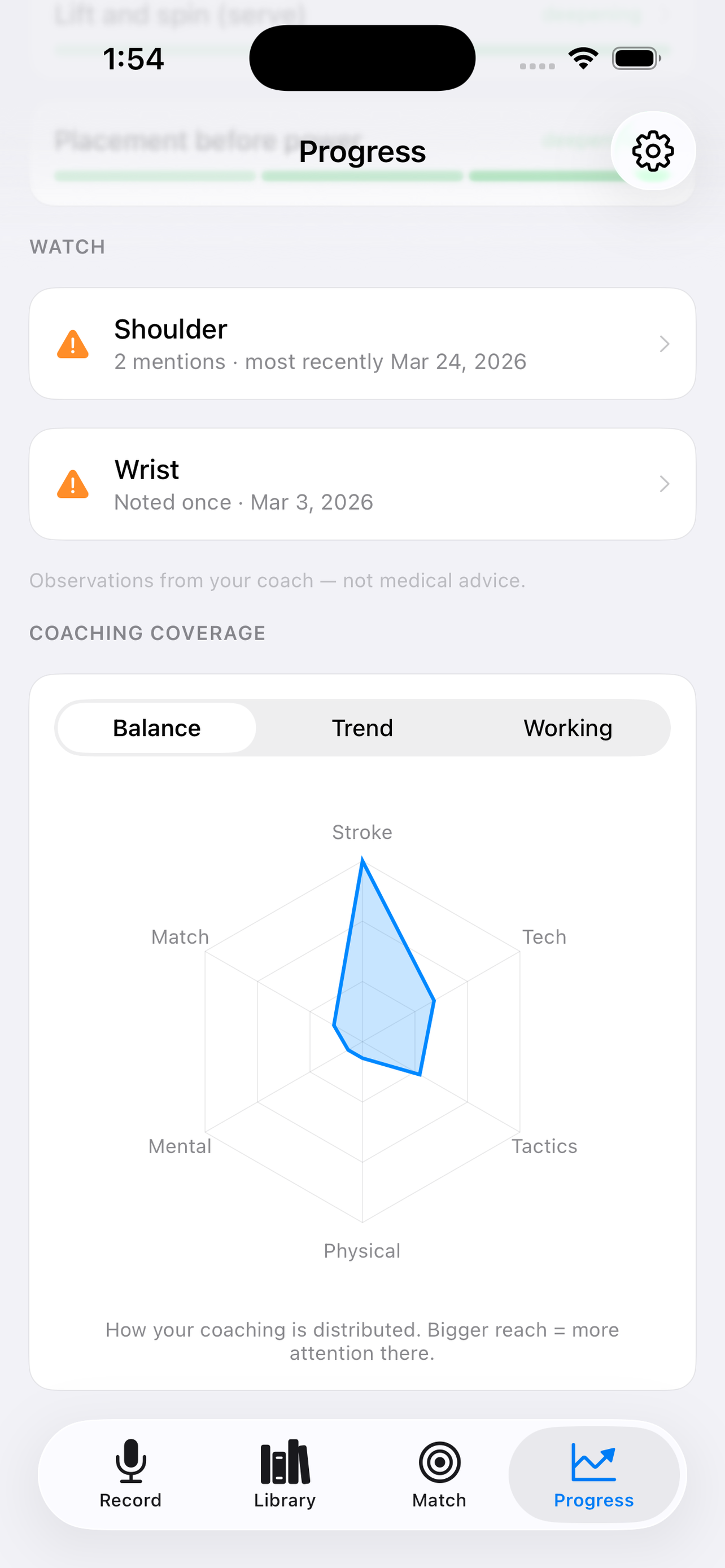
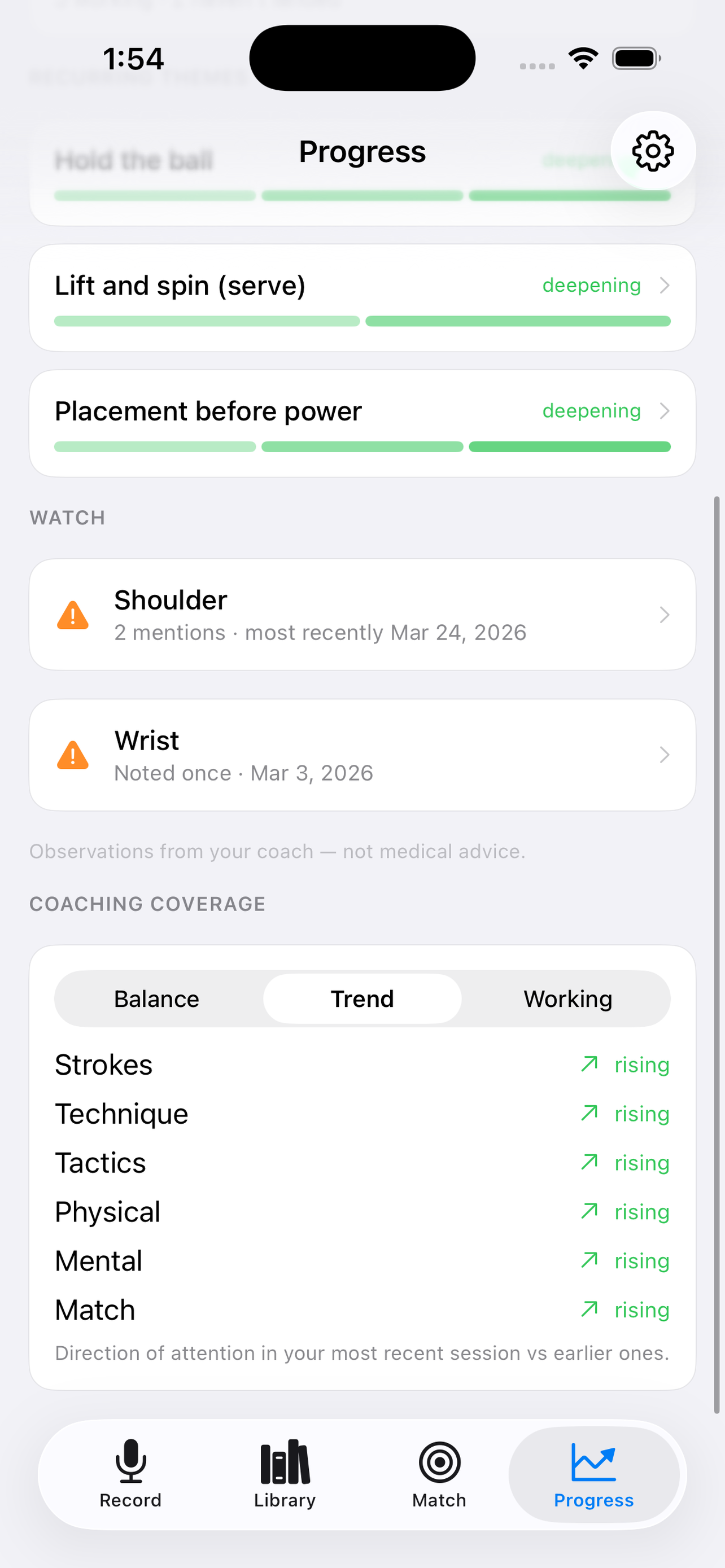
See the recurring concepts your coach returns to, built automatically over time.
Export any session's transcript, notes, or audio recording.
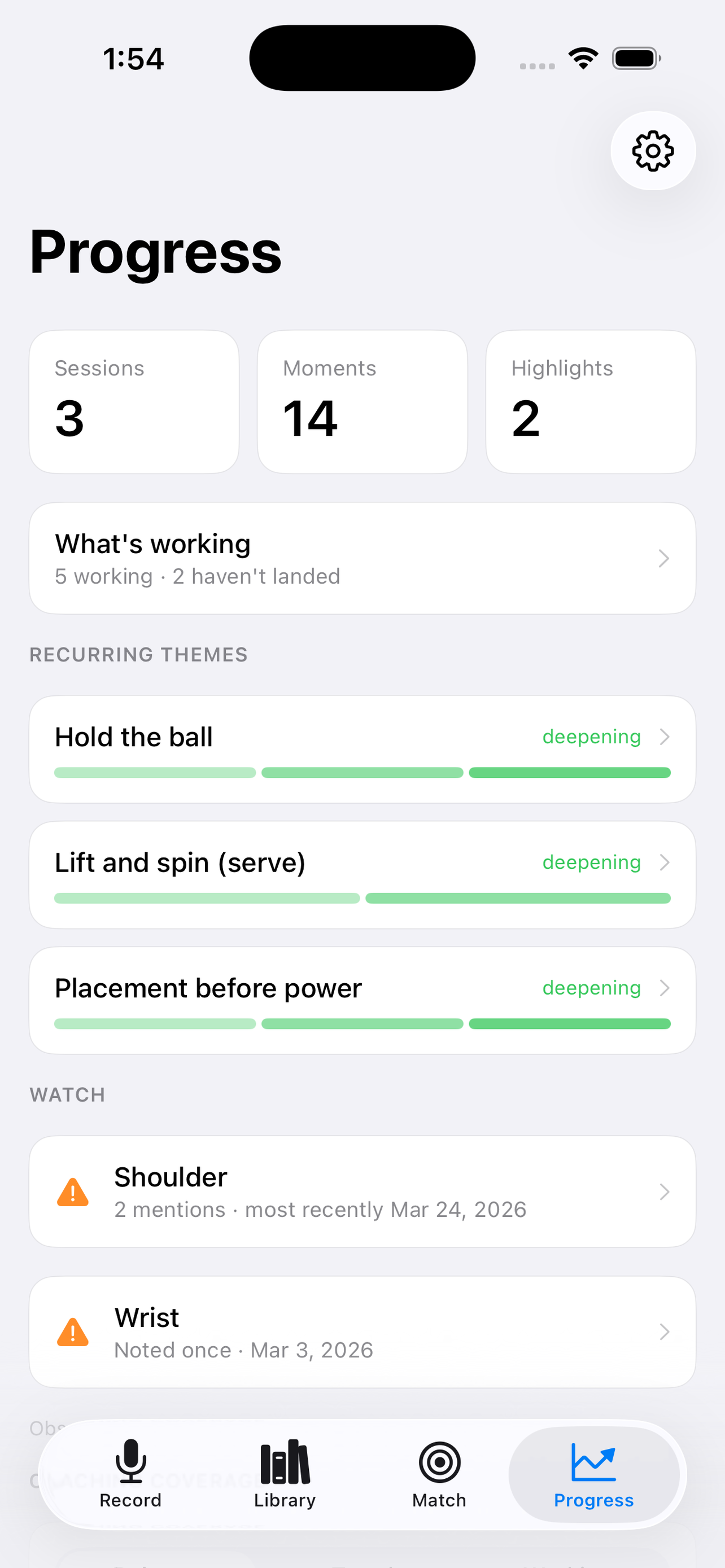
Track your progress and organize lessons by coach.
AI transcribes each lesson automatically, with no typing. It identifies the real teaching moments and tags them by stroke and topic, links related advice across sessions into recurring concepts, and surfaces the right tip when you search. All of it runs on-device with Apple Intelligence, and nothing is uploaded.
Your recordings, transcripts, and notes are processed entirely on your device and never leave it. No account, no cloud, no tracking. The analysis runs on-device using Apple Intelligence.
Your first 5 lessons are free, recorded, transcribed, and analyzed in full. After that, a single one-time purchase unlocks unlimited sessions. No subscription, no account, no ads. Everything you've already recorded stays yours to read, always.
Requires an iPhone or iPad that supports Apple Intelligence (such as iPhone 15 Pro or later), running iOS 26 or iPadOS 26.
CourtNotes helps you remember and apply what your own coach teaches. It surfaces their words and observations, and isn't a substitute for professional coaching or medical advice.