From recording a lesson to a game plan for the first tee.
Golf coaching lives on the range and gets tested on the course. LessonCaddie records each lesson, finds the advice that matters, and hands it back when you need it: a plan before the round, a practice list on the range, and a way to check afterwards what actually worked.
From the lesson tee to the first tee.
From recording a lesson to a game plan for the first tee.
You paid for the hour. You had the breakthrough. Two weeks later you're standing over the ball trying to remember whether it was weight forward or ball back, and whether that was this lesson or the one before.
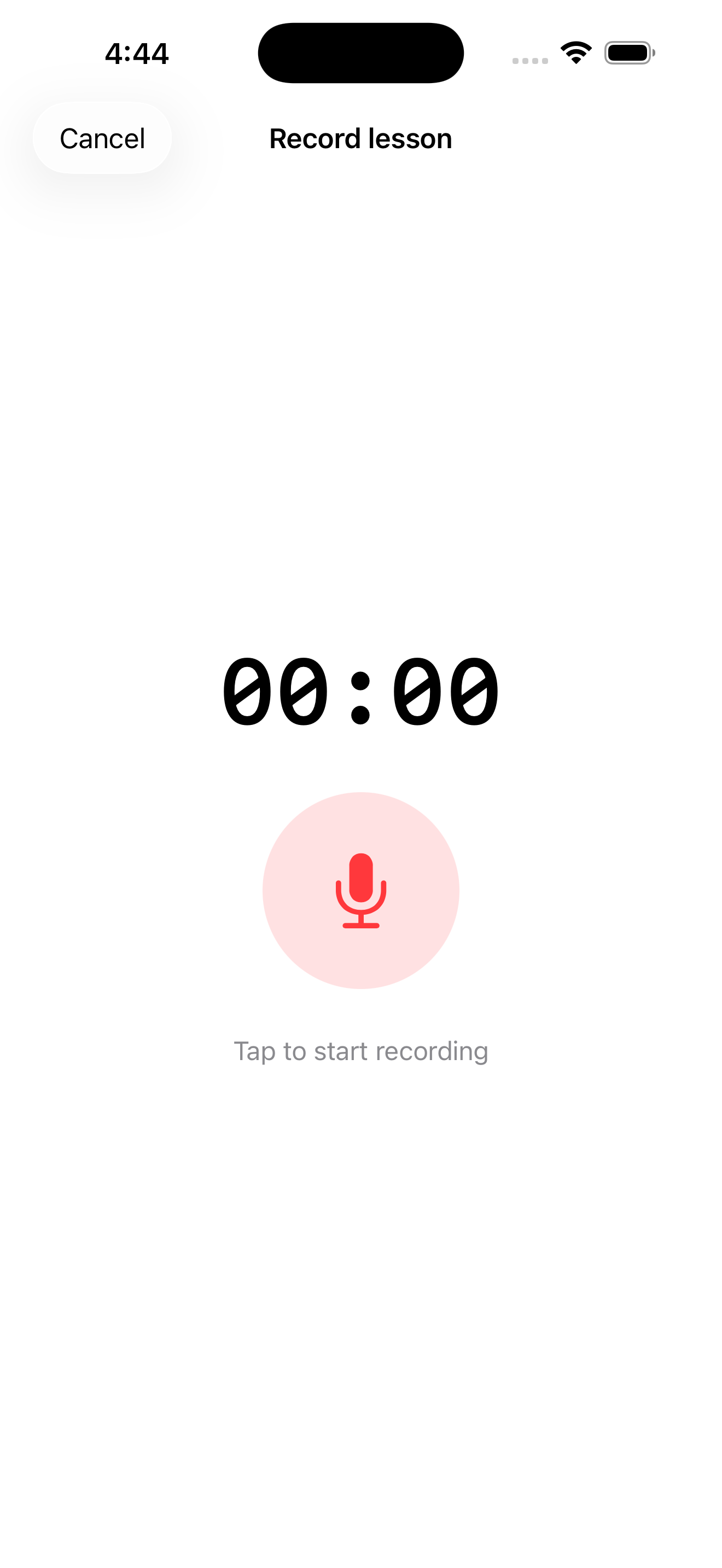
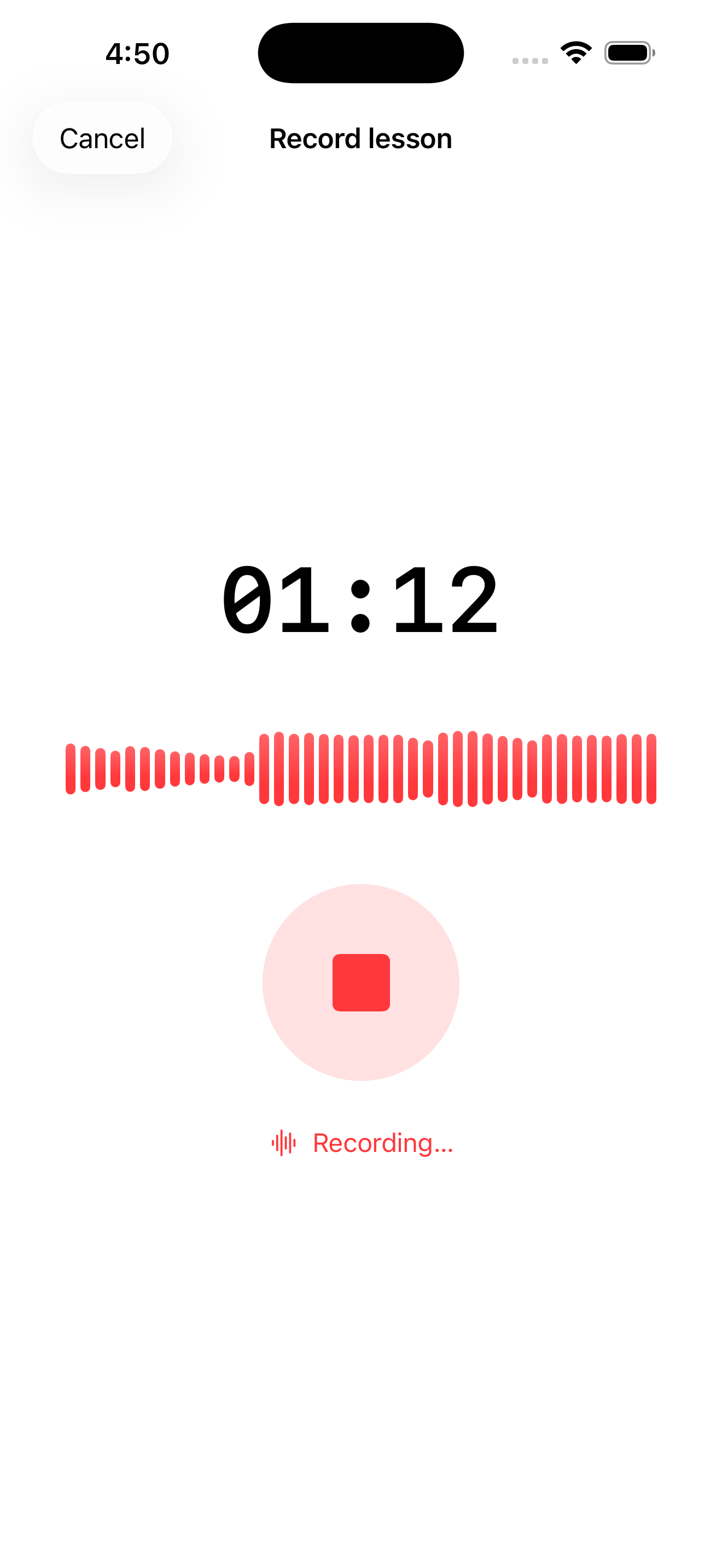
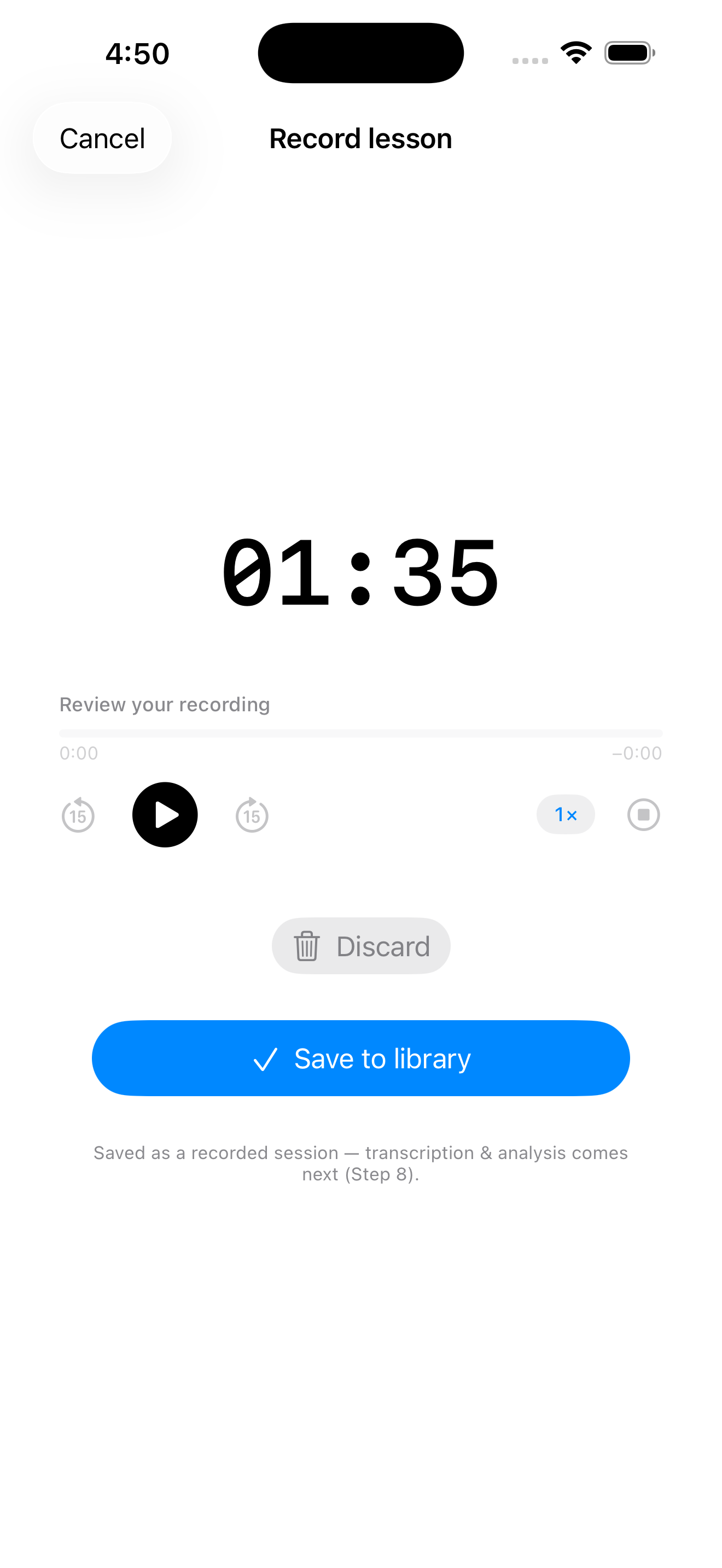
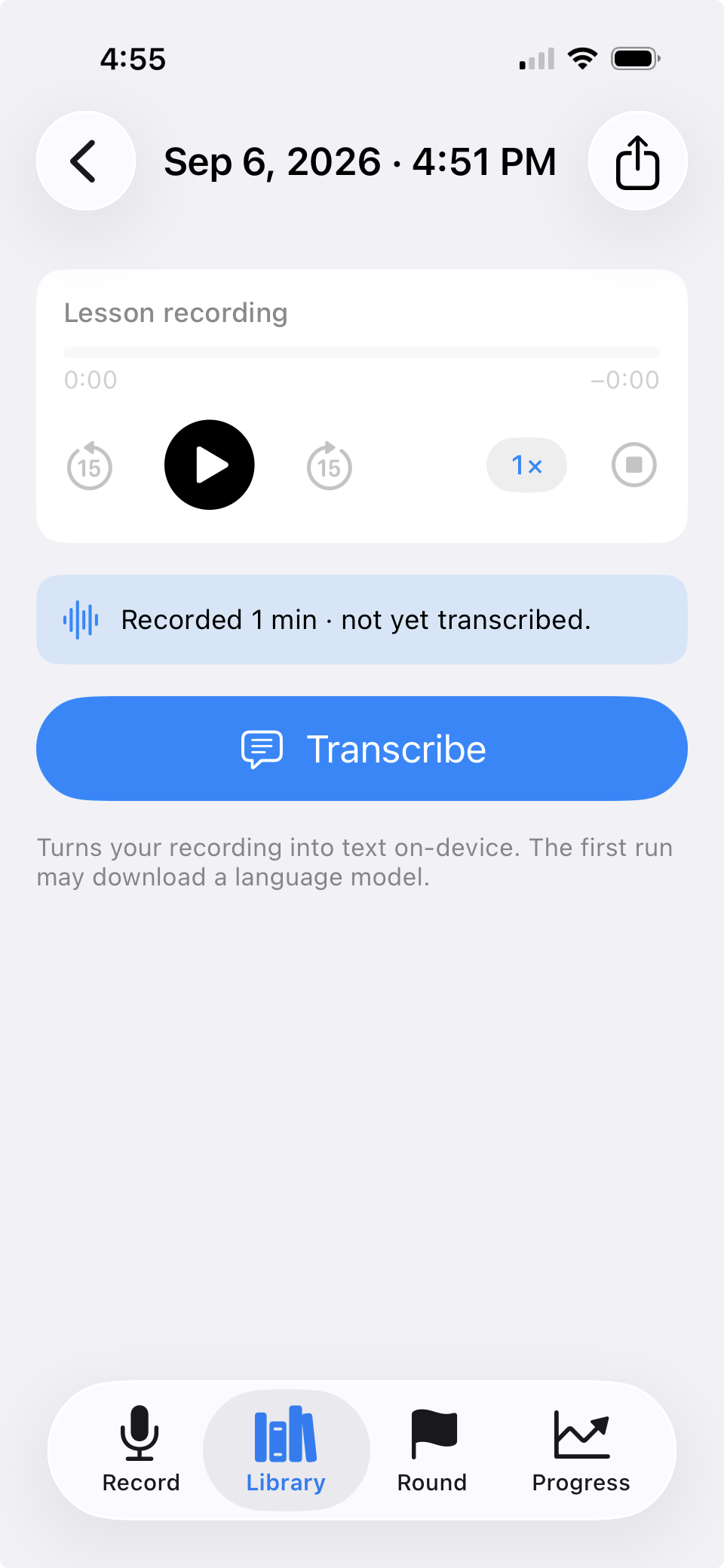
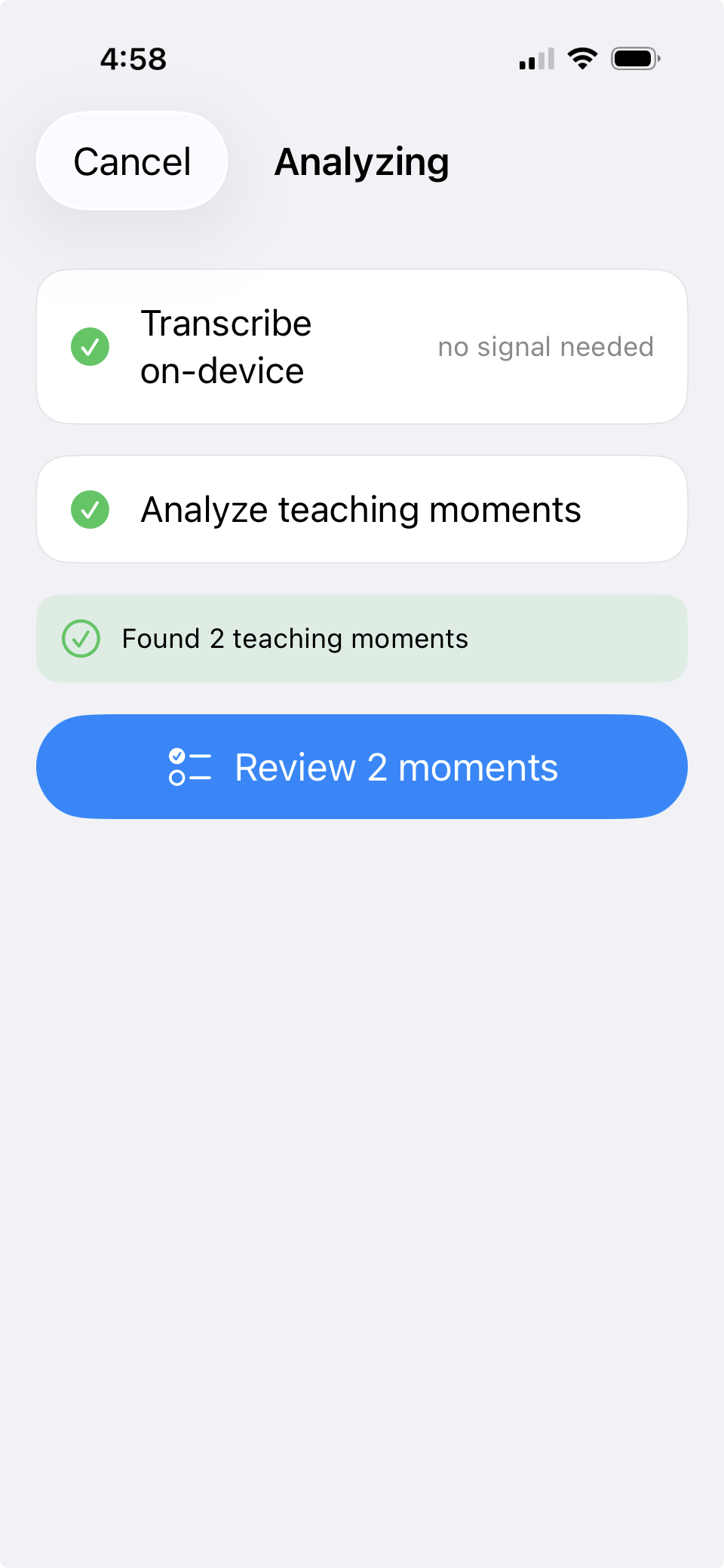
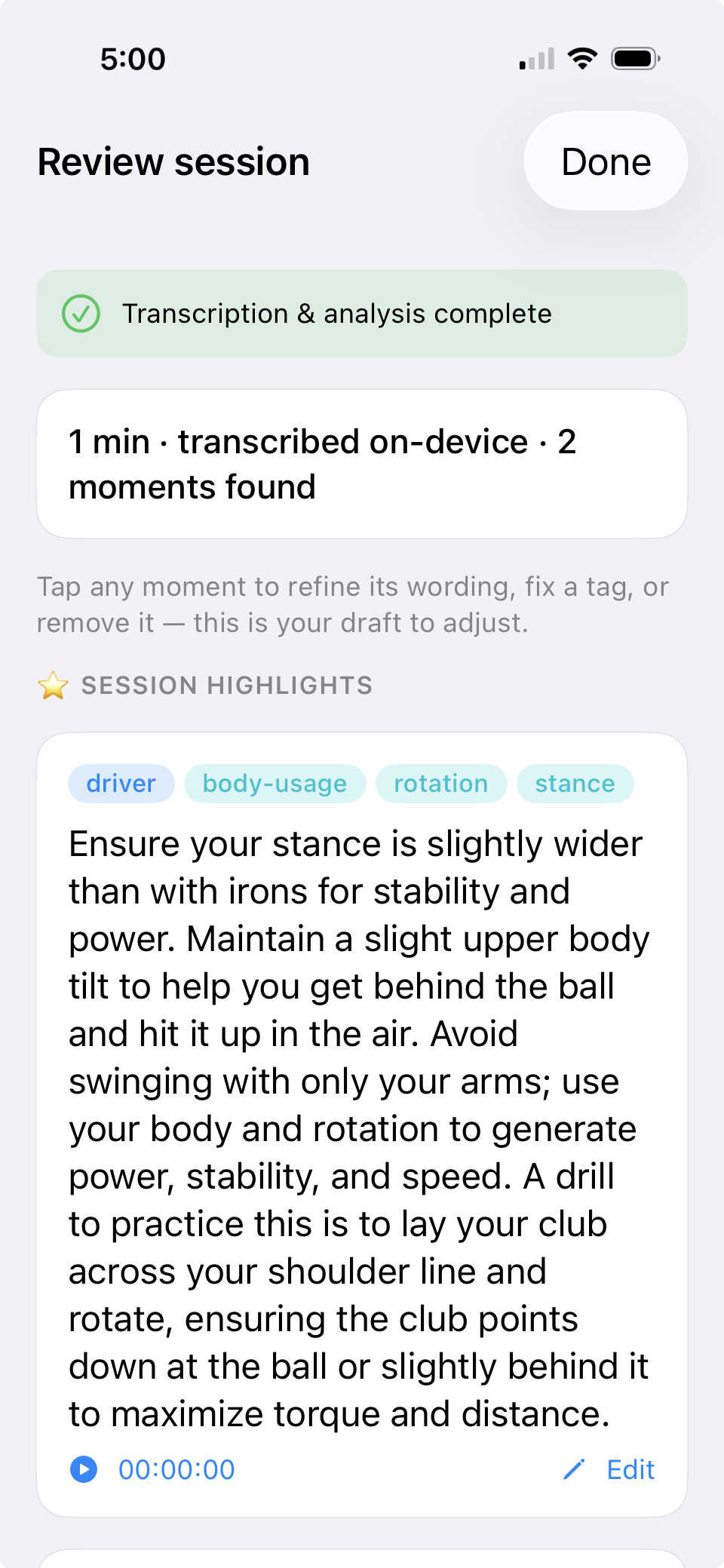
LessonCaddie fixes that with on-device AI. Press record at the start of your lesson, drop your phone in your bag, and go hit balls. Afterward, LessonCaddie transcribes the session and pulls out the specific things your coach told you, in their words, with their numbers, not generic tips from the internet, then organizes them into notes you can actually find again.
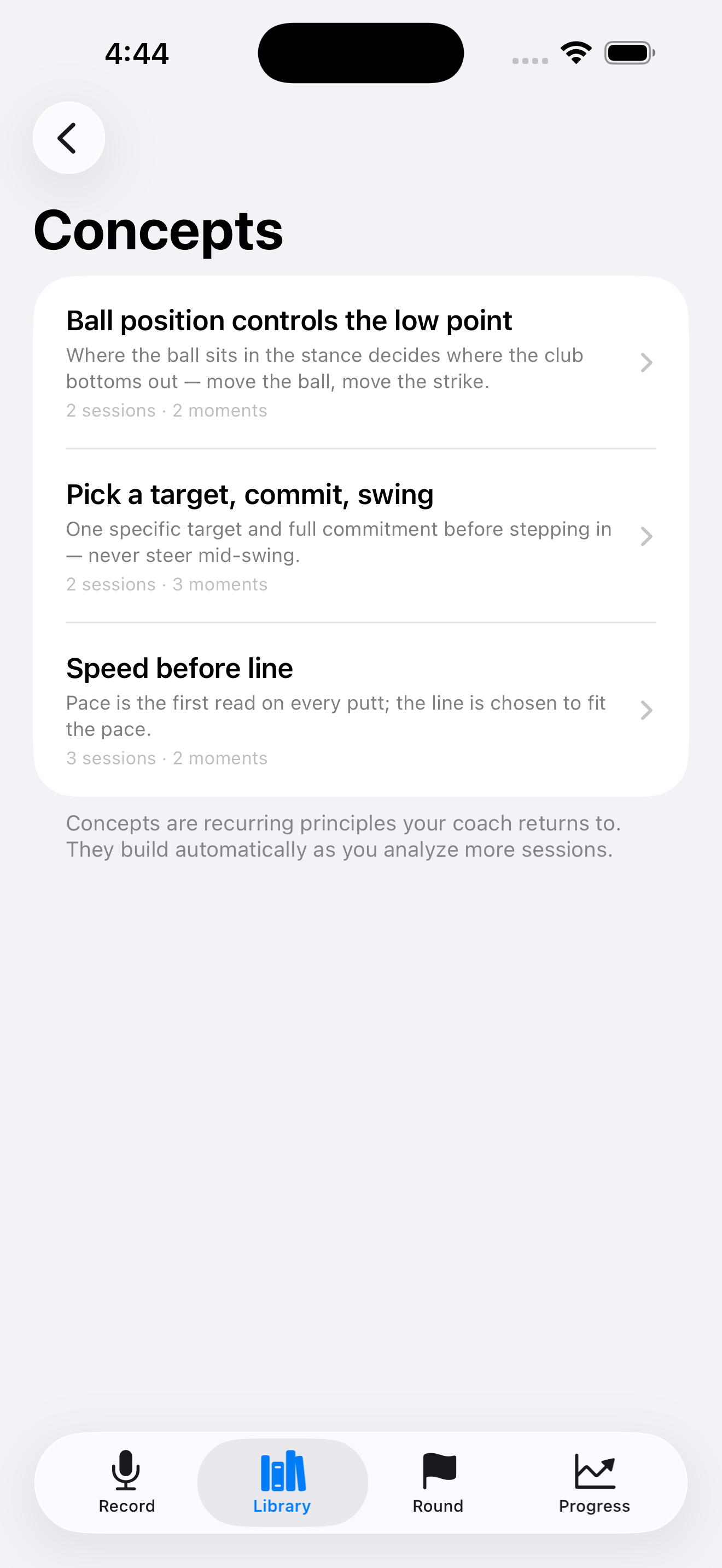
And it gets smarter the more you use it. The AI recognizes the ideas your coach keeps returning to and connects related advice across every lesson, so you can watch a swing change develop from the first time it was mentioned to the day you trusted it on the course.
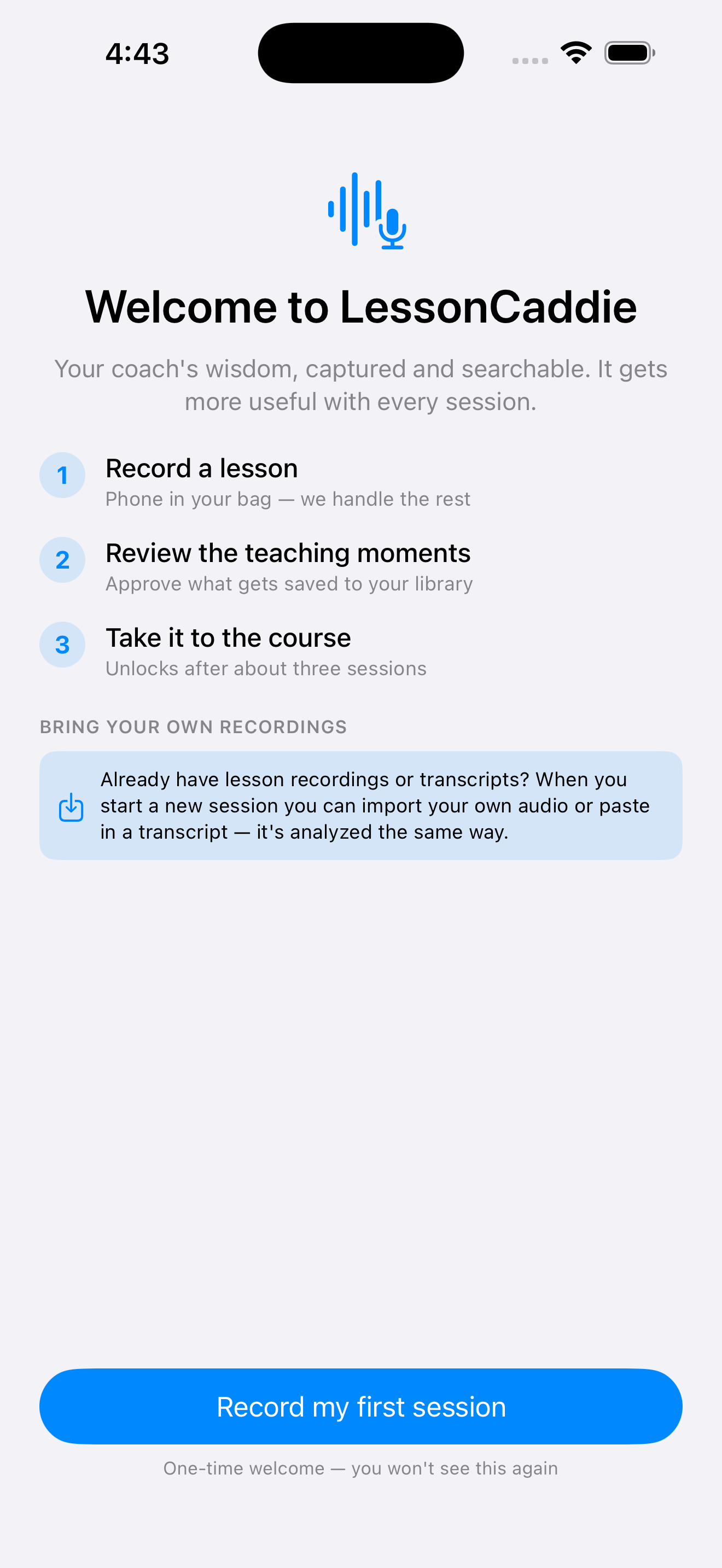
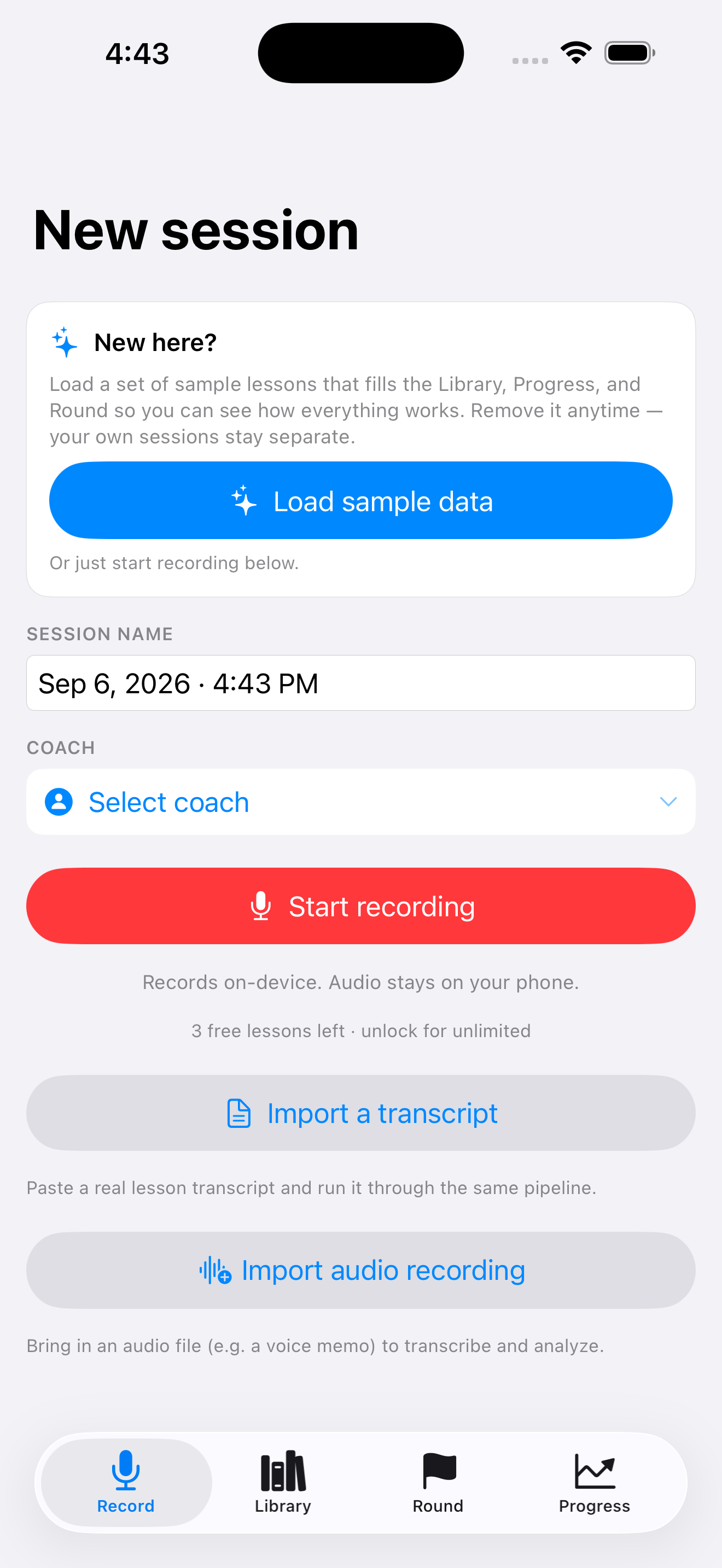
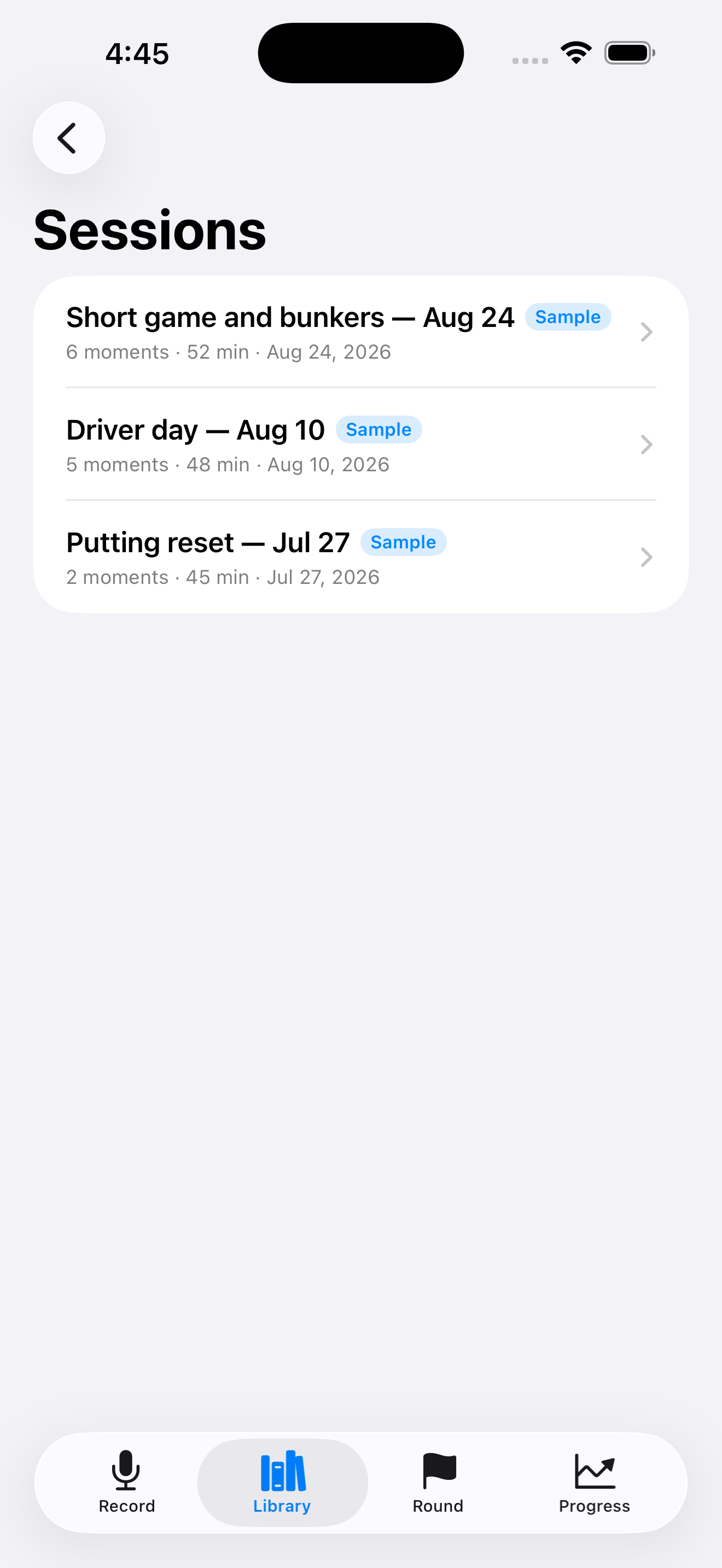
Record on your phone, or import a voice memo or a transcript you already have.
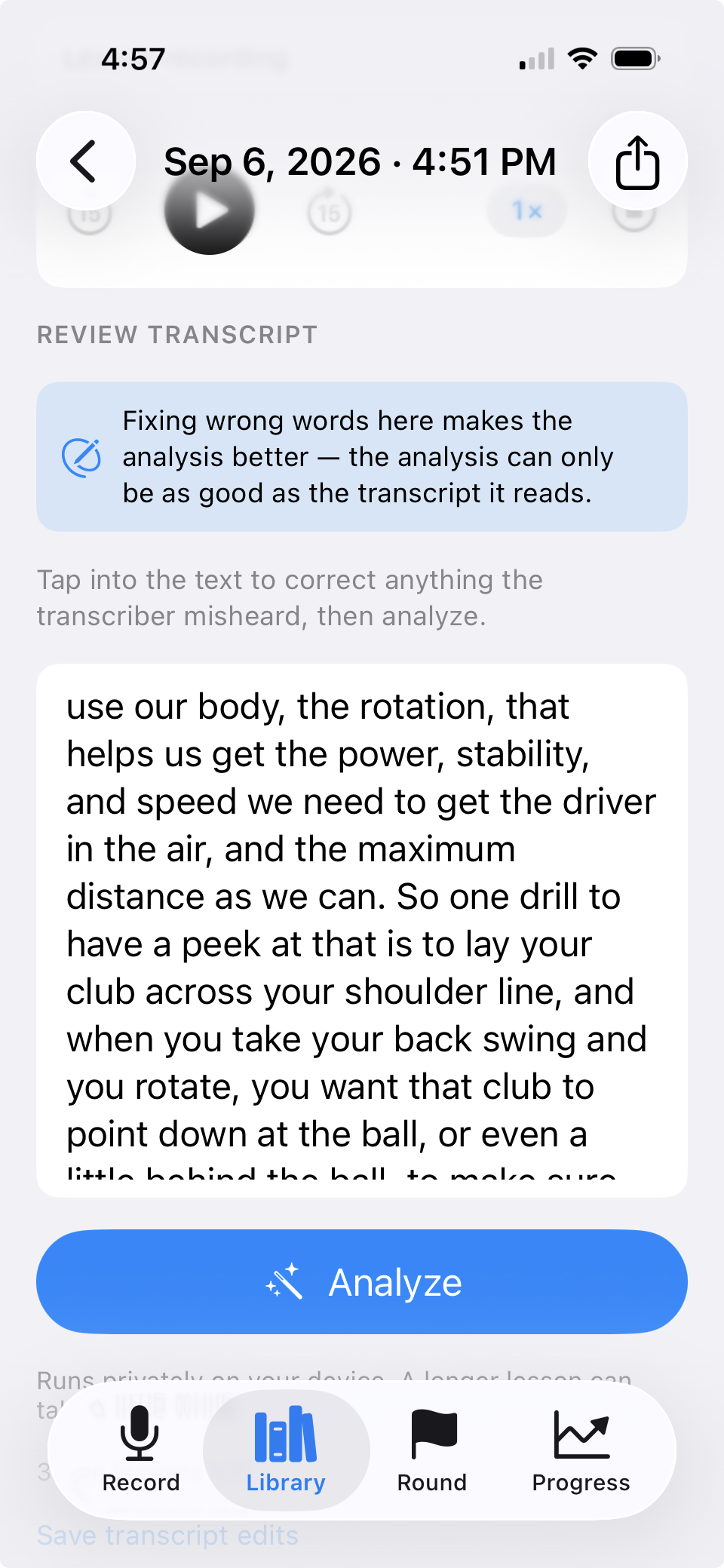
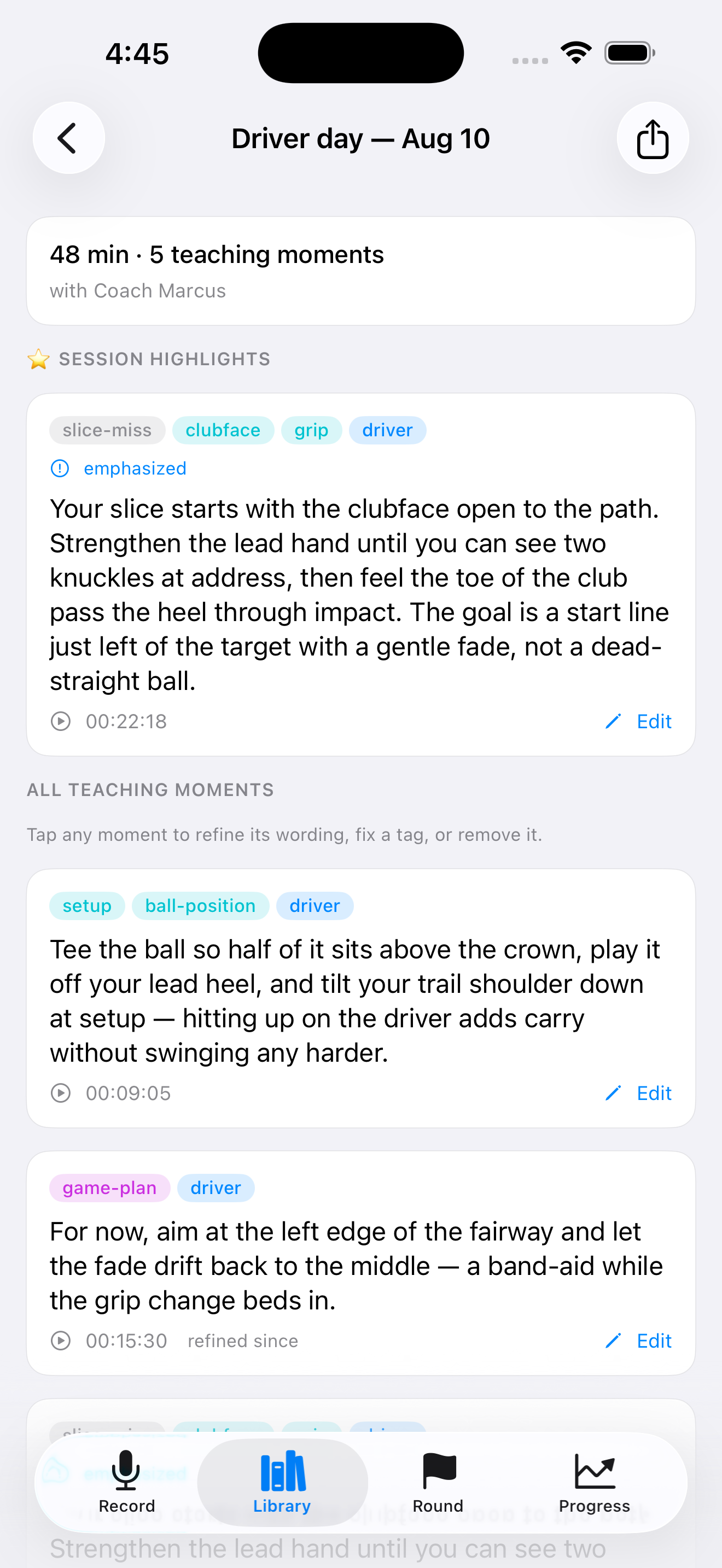
Check the teaching moments LessonCaddie found, fix anything it misheard, keep what matters.
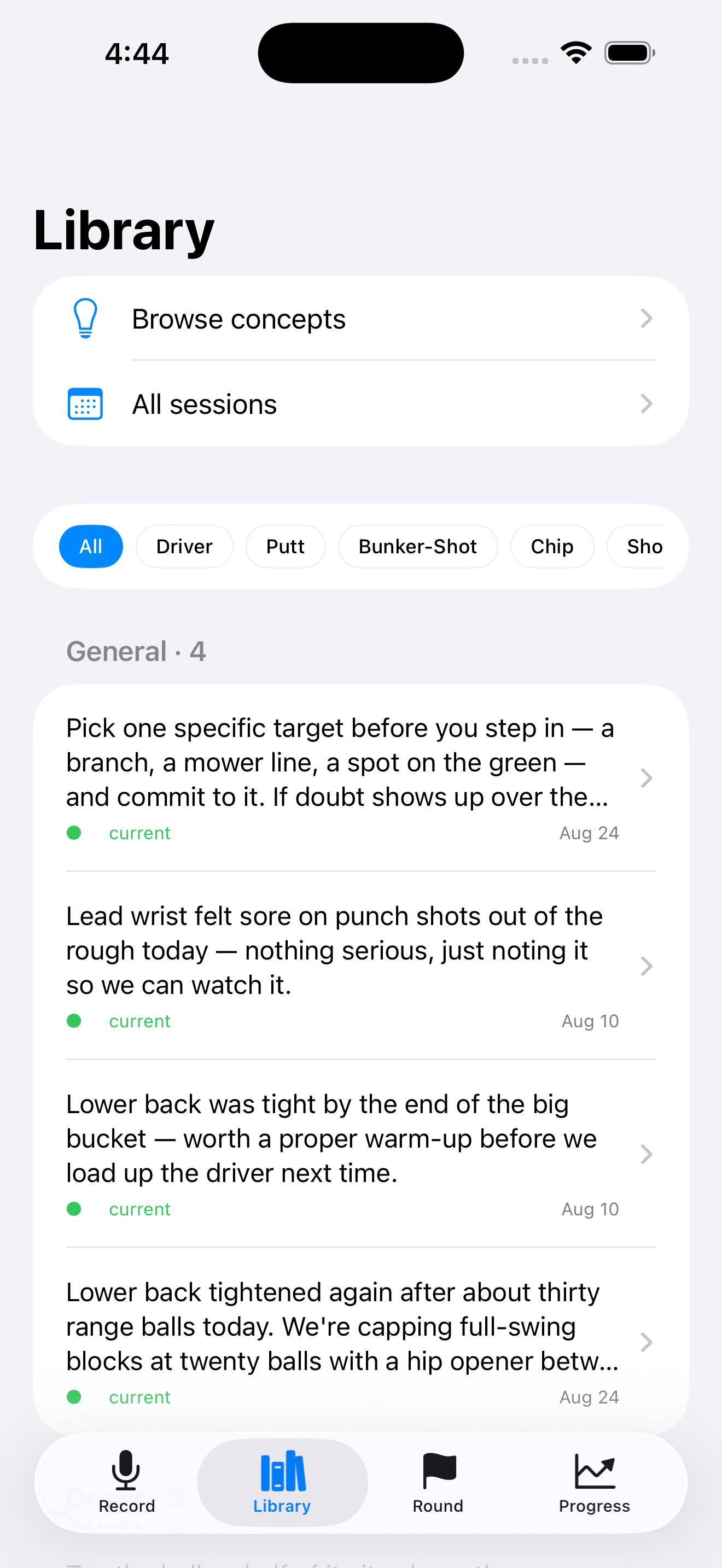
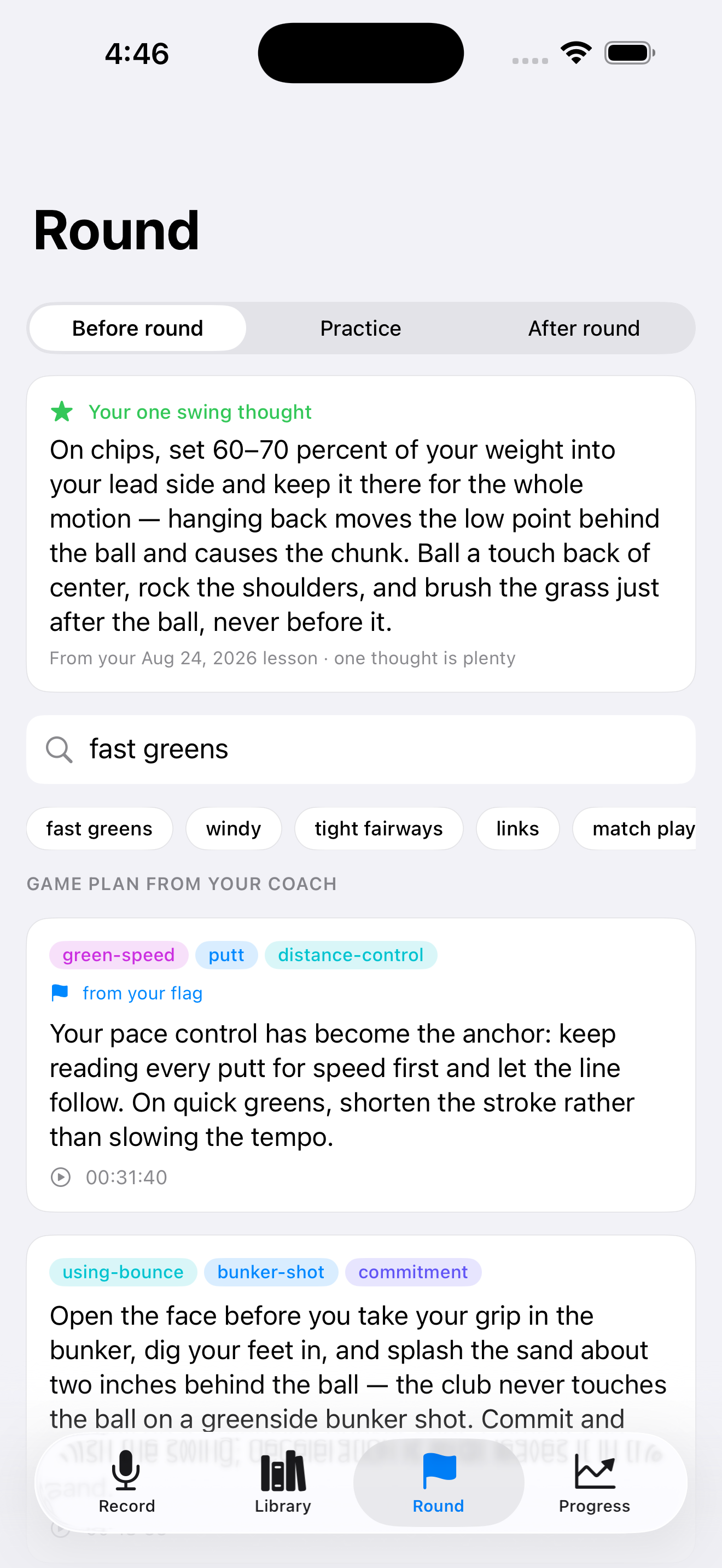
Pull up the right advice in seconds, before the round or on the range.
Your phone in your bag is enough to get started, and that is how most lessons are recorded. A driving range is an open, windy place, though, and your coach may be standing several feet away while you are mid-swing. Some of what gets said can be lost before it reaches the phone.
If you want the cleanest transcripts, pair a wireless clip-on microphone with your phone. Clip the mic to whoever is doing the talking, leave the phone in your bag, and record exactly as you normally would. Both Bluetooth microphones and microphones with a small receiver that plugs into your phone work. Wind is the main enemy outdoors, so a mic with a foam or fur windscreen makes a noticeable difference.
Better audio means a better transcript, and a better transcript means the analysis has more to work with. If you clip the mic to your coach rather than to yourself, ask them first.
Record lessons on your phone, or import an existing audio file or written transcript.
Get each lesson transcribed and broken into clear teaching moments, tagged by shot and topic.
Tap any note to hear that exact moment of the lesson, with speed control, so you can re-listen at 1.5×.
Search everything your coach has ever told you, by club, by shot, or by problem.
Build a pre-round game plan for the course and conditions you're about to play.
Get one swing thought to take to the first tee, drawn from your latest lesson.
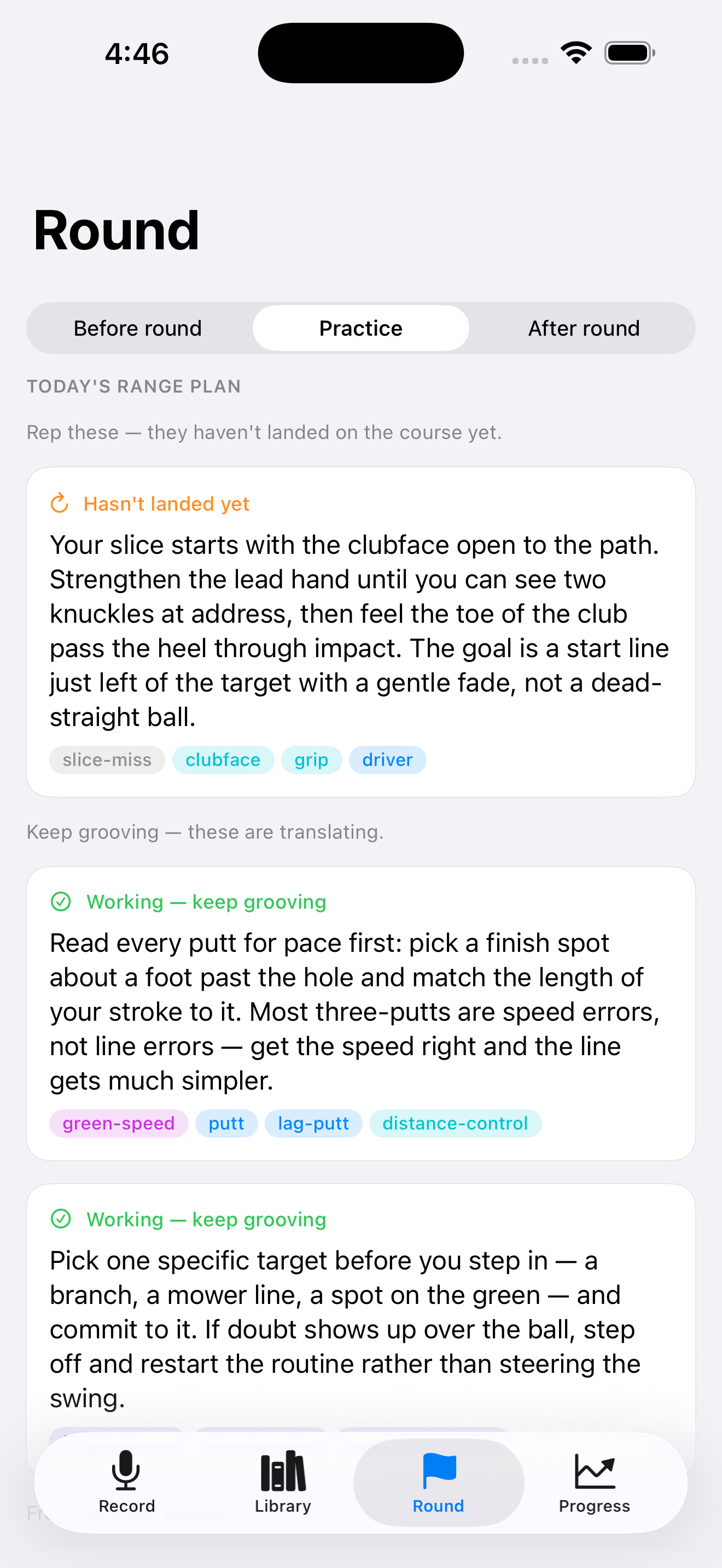
Walk onto the range with a practice list built from your own results, not a generic drill.
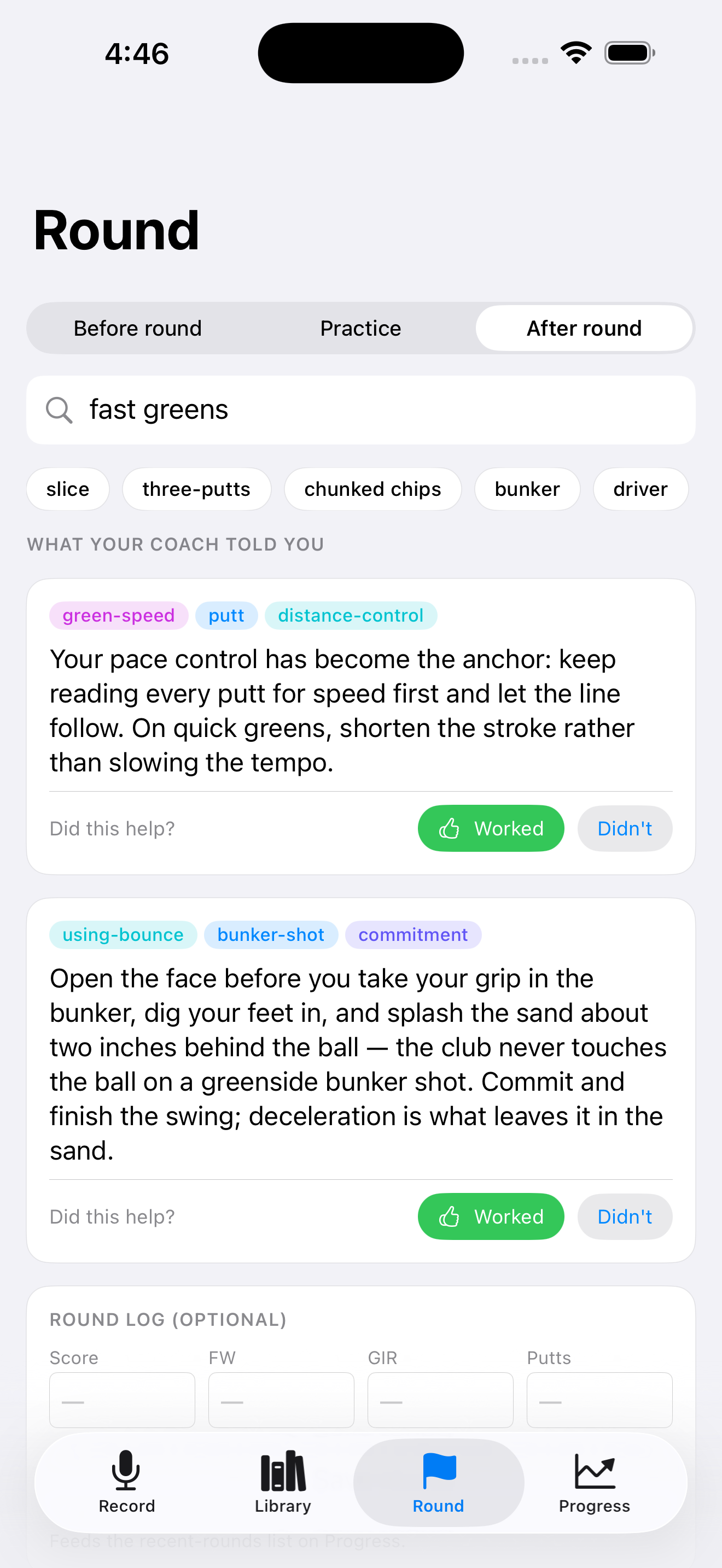
After a round, mark what worked and what didn't, so the advice that actually helps rises to the top.
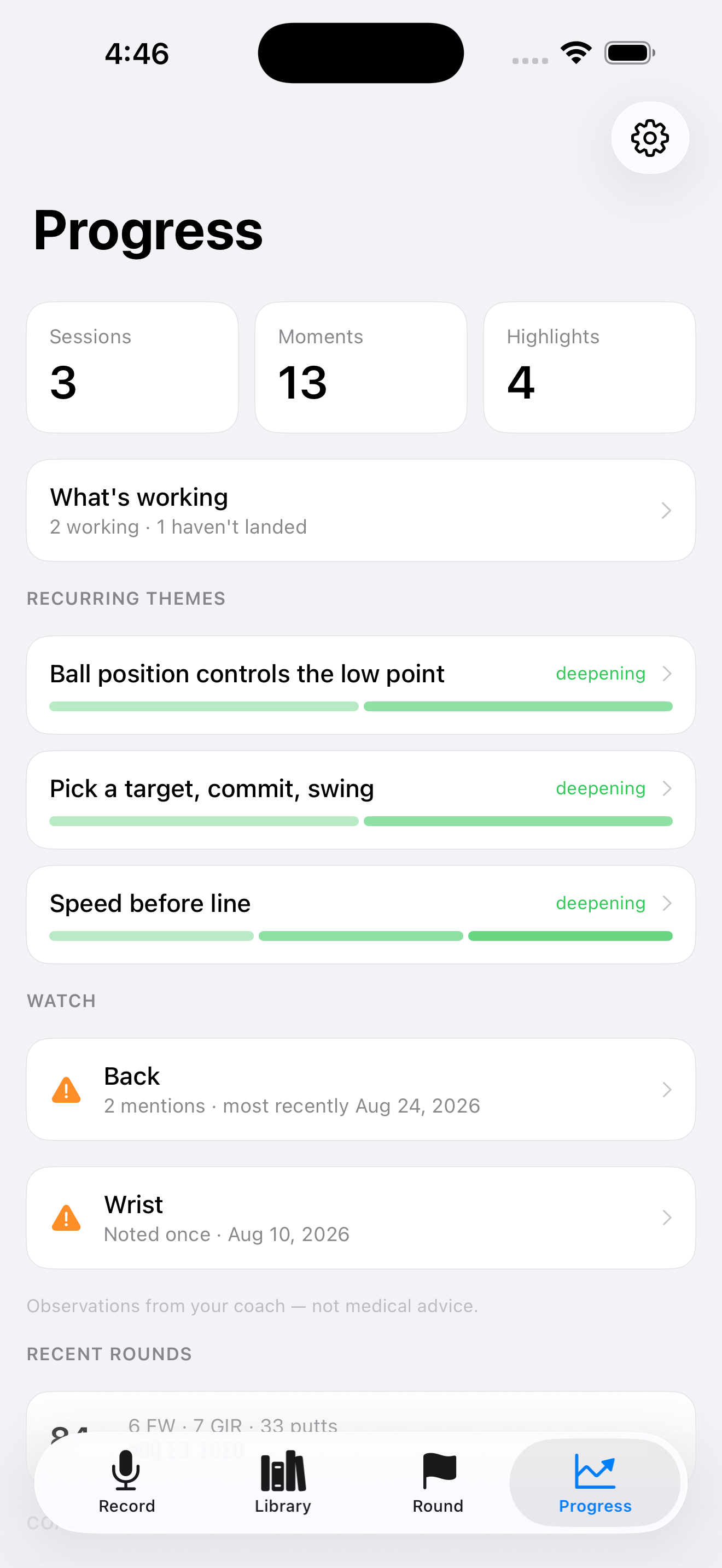
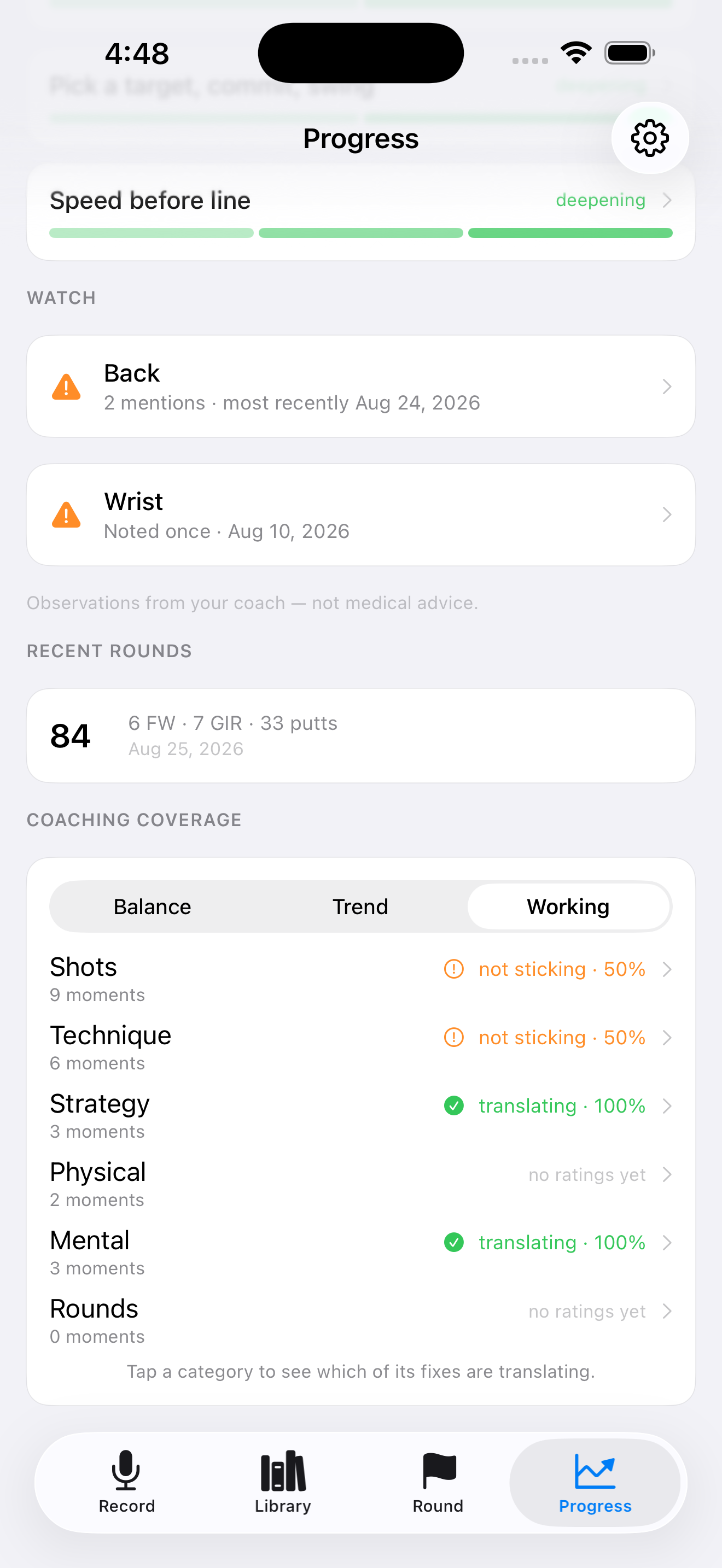
Log your score, fairways, greens and putts to see coaching and results side by side.
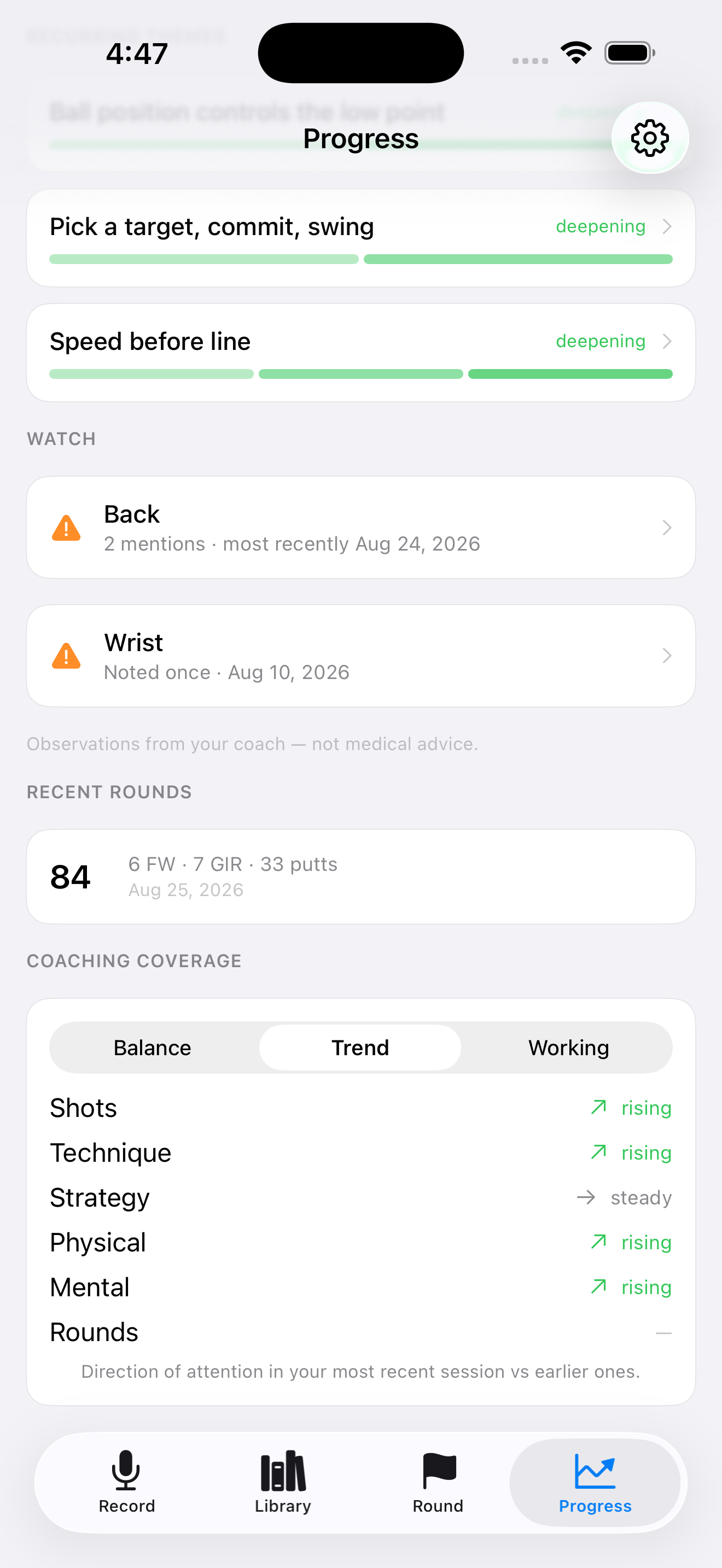
See the recurring concepts your coach returns to, built automatically over time.
Keep short video clips alongside a lesson, and organize everything by coach.
Export everything at any time: lessons, transcripts and recordings, in one file you own.
Most golf apps stop at the swing. LessonCaddie is built around what happens after the lesson ends.
Before you play, tell it where you're playing and what the day looks like (fast greens, wind, tight fairways), and it pulls the relevant advice your coach has already given you, plus a single swing thought to actually take to the first tee.
On the range, it builds a practice plan from your own history: the fixes that haven't landed yet, the ones that are working and worth grooving, and the drills from your last lesson.
After the round, describe what went wrong and see exactly what your coach said about it, then mark whether it helped. That's the loop most golfers never close, and it's what turns a good lesson into a lower score.
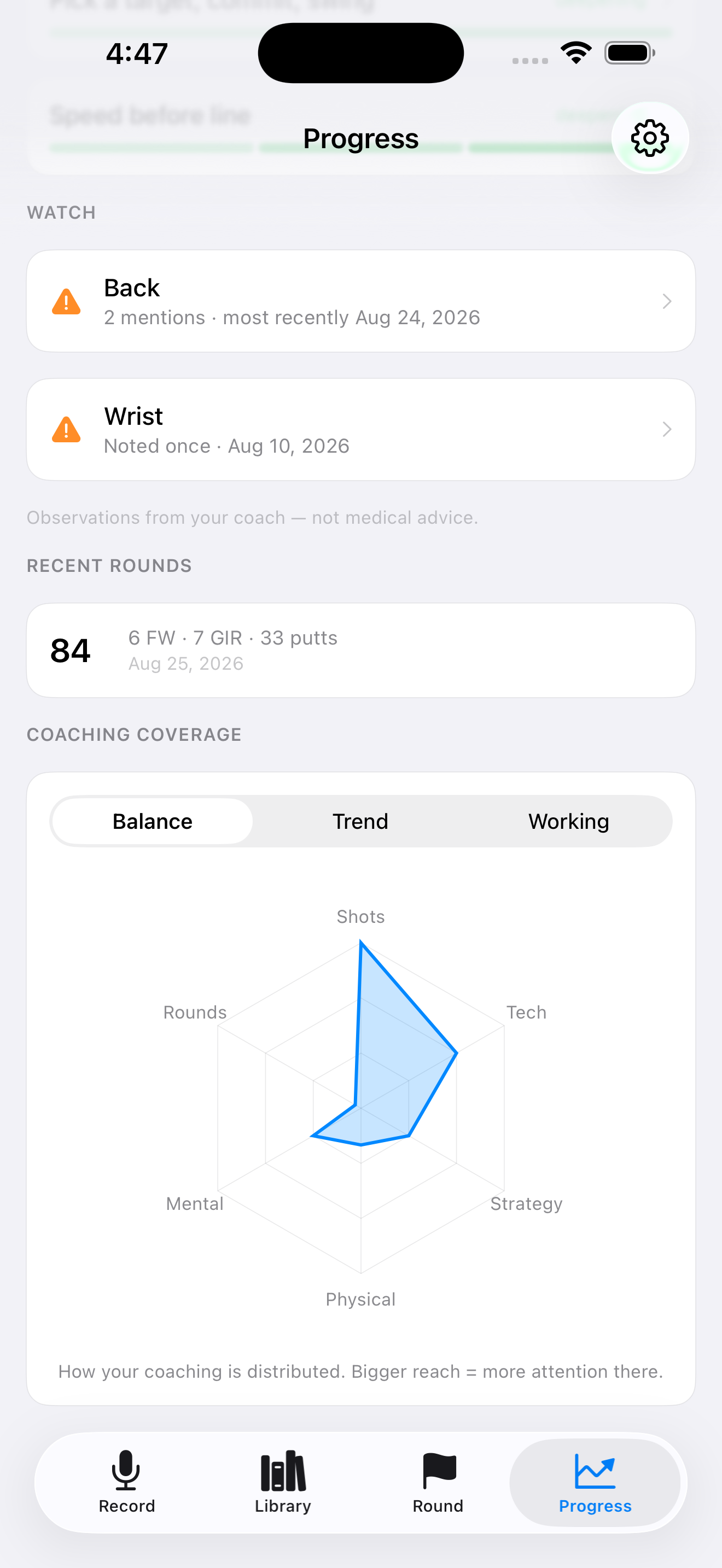
Good coaching isn't only mechanics, so LessonCaddie captures the rest of it too: course strategy, pre-shot routine and commitment, tempo and pressure, fitness and warm-up.
It also quietly keeps track of the physical notes. If your coach mentions your lower back three lessons in a row, that pattern is easy to miss in the moment and easy to see when it's collected in one place. These are observations from your own lessons, not medical advice, but they're the kind of thing worth noticing early.
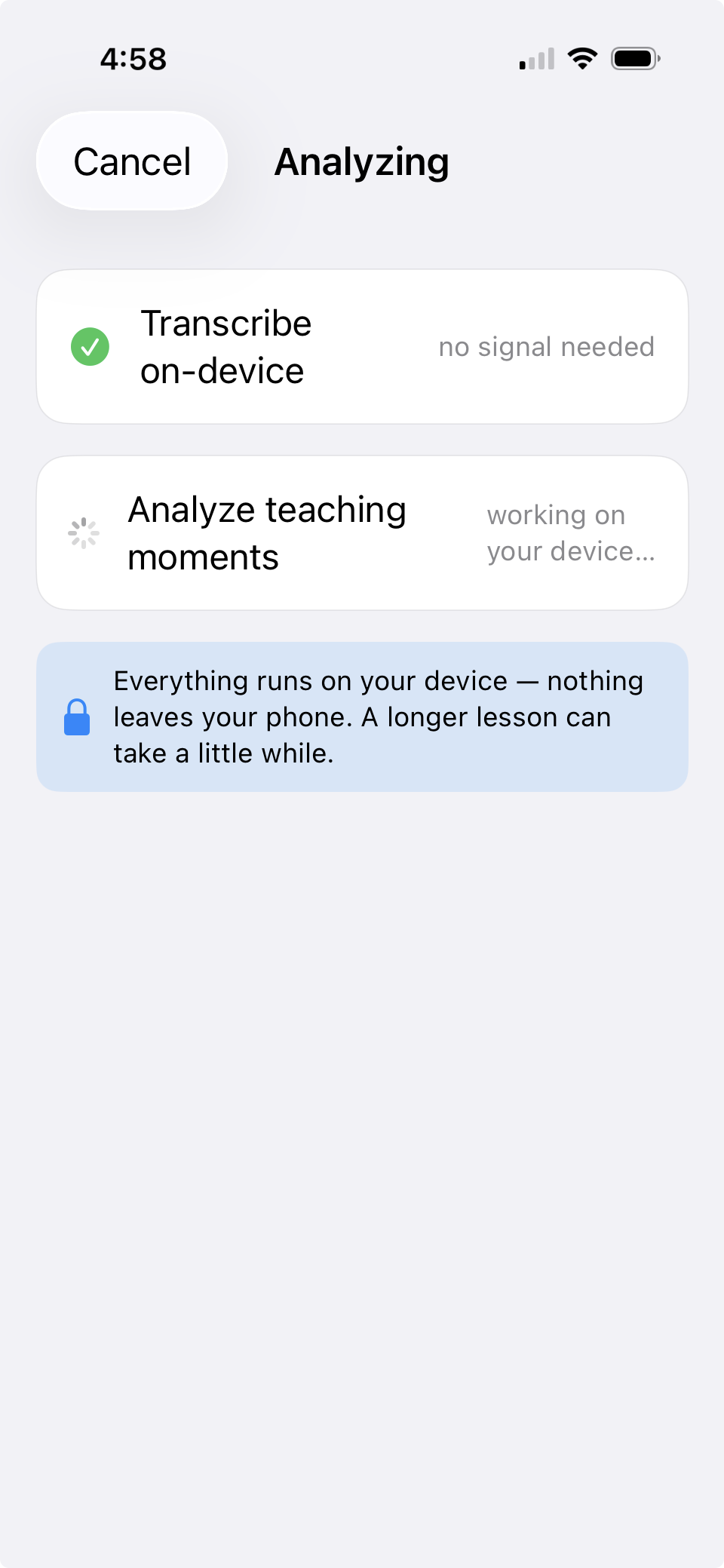
AI transcribes each lesson automatically, with no typing. It identifies the real teaching moments and tags them by shot and topic, links related advice across sessions into recurring concepts, and surfaces the right tip when you search. All of it runs on-device with Apple Intelligence, and nothing is uploaded.
Your recordings, transcripts, and notes are processed entirely on your iPhone and never leave it. No account, no cloud, no tracking, no ads. That matters more here than in most apps, because you're recording another person: your coach's voice, their teaching, their livelihood. Ask them before you record, and you can tell them honestly that it stays on your phone.
Your first three lessons are free to analyze. After that, a single one-time purchase unlocks unlimited lessons, with no subscription, ever. Recording, your full library, the round tools, progress and export stay available either way, and any lesson you've already analyzed is yours to keep.
Requires an iPhone with Apple Intelligence (iPhone 15 Pro or later) running iOS 26.5 or later.